AI Video Generator
Type a scene. Pick a model. Get stunning video in minutes — no editing software, no learning curve.
Made with Fabbo
Real prompts, real results. Every video below was generated in under 3 minutes.
A fox rocking the drums on a snowy mountain.
Boy gently picks up a cat.
Cinematic close-up: man in moody window light.
Massive truck lands just inches behind a man.
Why Creators Choose Fabbo
The tools, models, and quality that make the difference.
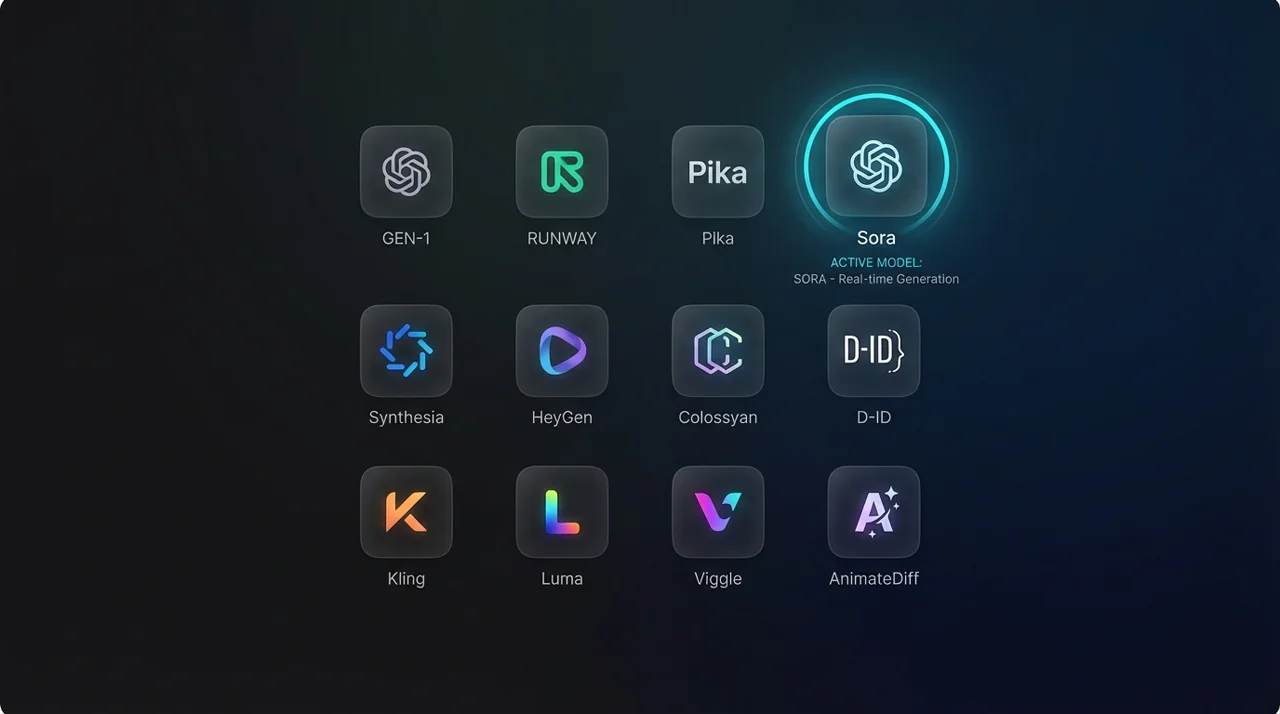
All the Best Models, Zero Tab-Switching
Try the same prompt across Veo, Kling, Wan, and Hailuo. Compare results without leaving the page.
One-Click Switching
Jump between models without re-entering your prompt.
Always Up to Date
New models added as they launch, so you always have the latest.
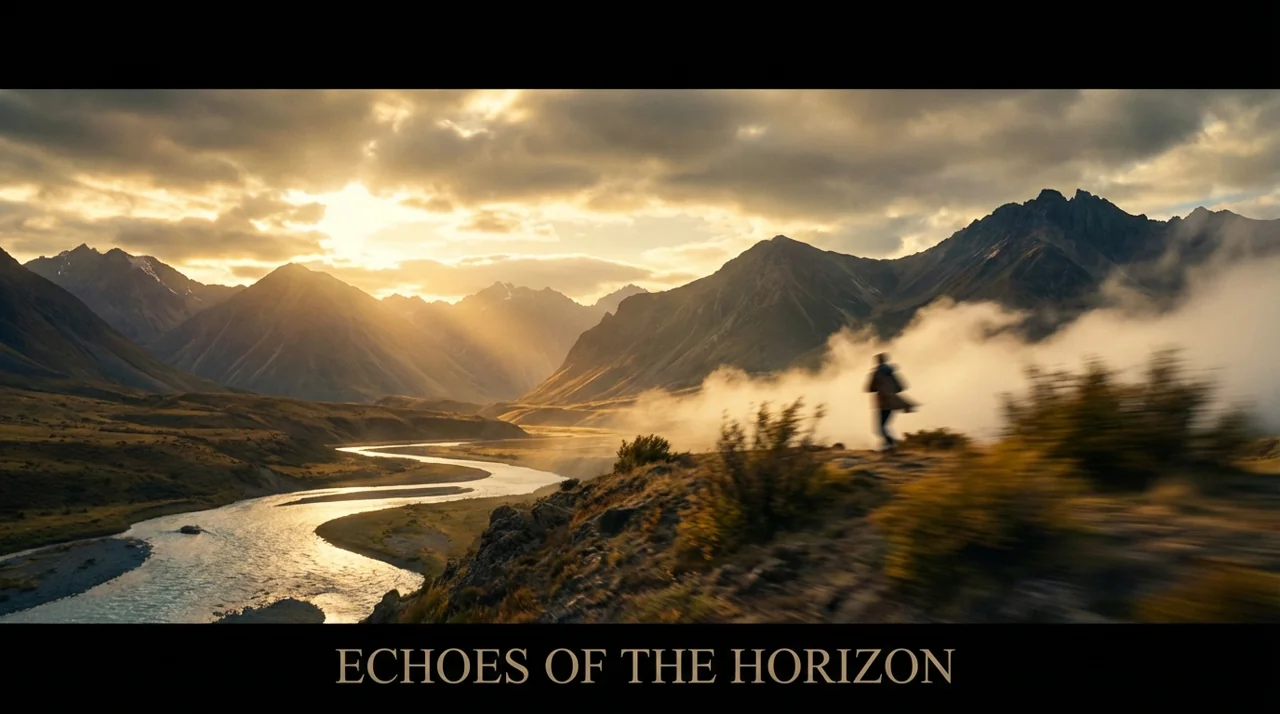
Professional Quality, Zero Editing
Every frame is AI-rendered with smooth motion, realistic lighting, and coherent scenes. No timeline, no editing software needed.
HD Output
Generate up to 4K video in 16:9 and 9:16 — 1:1 supported up to 1080p.
Smooth Motion
AI handles transitions, camera movement, and temporal coherence.
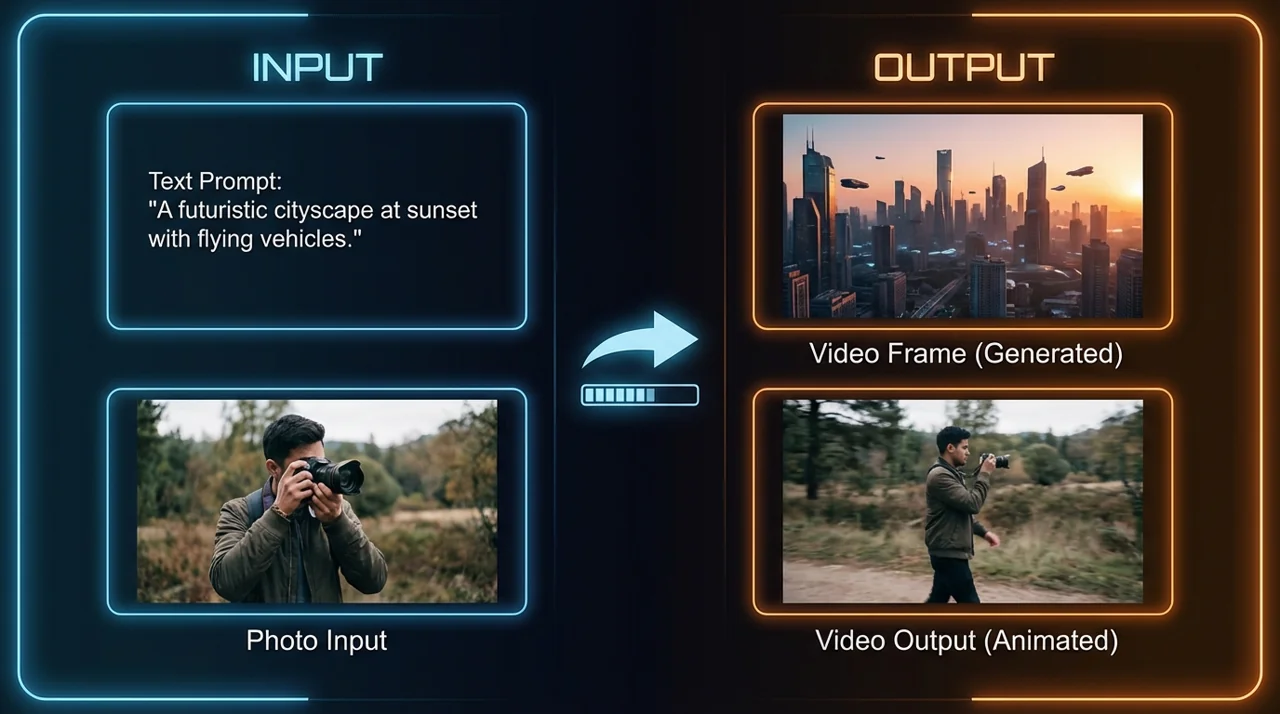
Two Ways In: Words or Photos
Describe what's in your head, or upload a photo and watch it move. Both paths, same stunning result.
Text to Video
Write what you see in your head. AI visualizes it.
Image to Video
Upload a photo and watch it come alive with motion.
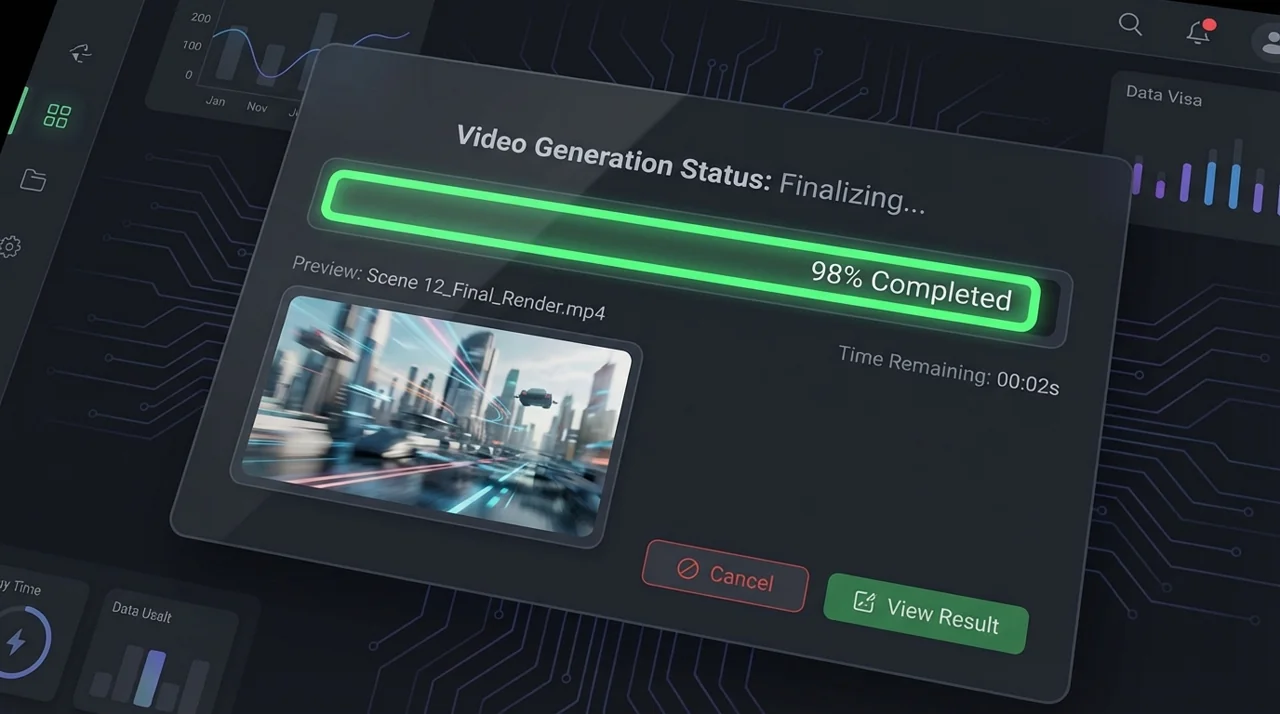
Minutes, Not Hours
Most videos land in under 3 minutes. Preview instantly, tweak the prompt, regenerate — a failed generation refunds its credits automatically.
Real-Time Progress
Track generation status live, no guessing when it's done.
Iterate Freely
Adjust your prompt and regenerate — a failed generation refunds its credits automatically.
4 Models, 4 Styles
Every AI video model has its signature look. Compare them side by side and find your favorite.

Veo
VideoHollywood-grade cinematography. Smooth tracking shots and natural lighting.

Kling AI
VideoFast and consistent. Best for character motion and action scenes.

Wan AI
VideoPhoto animator. Turns still images into fluid, colorful motion.

Hailuo AI
VideoPortrait specialist. Lifelike faces, natural expressions, emotional storytelling.
Three Steps. That's It.
Pick a model, write a prompt, hit generate. Your video is ready before your coffee gets cold.
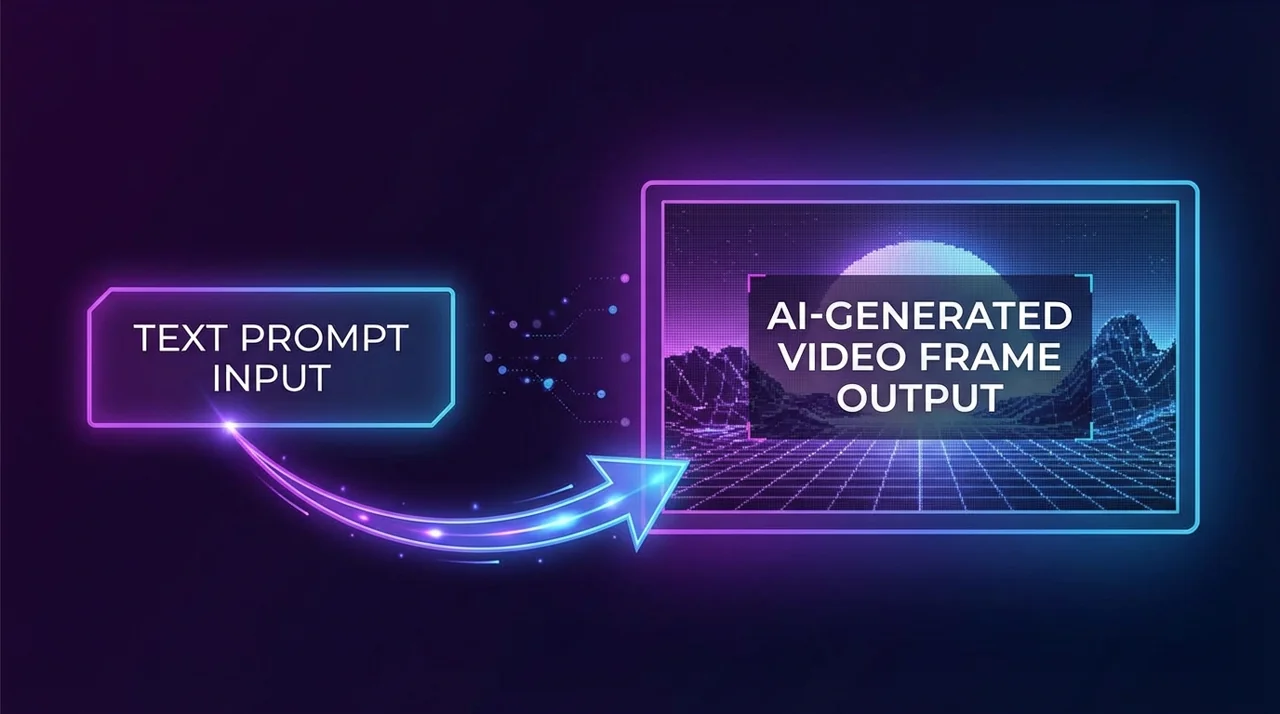
Pick a model
Veo for realism, Kling for speed, Wan for image animation — each model has its signature.
Describe your scene
Text or photo — both work. Describe the scene, mood, and camera angle in plain language.
Preview and download
Watch the result, tweak if needed, download when it's right. No post-production required.
AI Video Generator FAQ
Have more questions? Contact us at [email protected]
Your First Video Is Free
Sign up, get free credits, start generating. No credit card, no downloads, no learning curve.