
AI Text to Image Generator
Text to image: write what you want to see — the subject, the light, the framing — and Fabbo renders it. Bring a reference picture only when something has to match.
Text to image, and more from the studio
Curated work, with text to image first. Where a generation can be rebuilt, picking it fills the generator above.
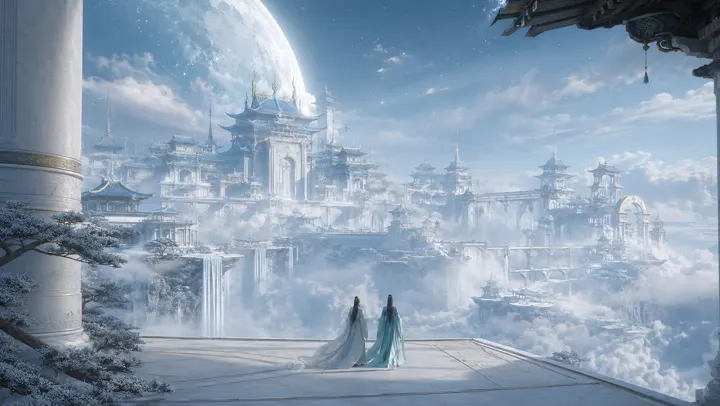
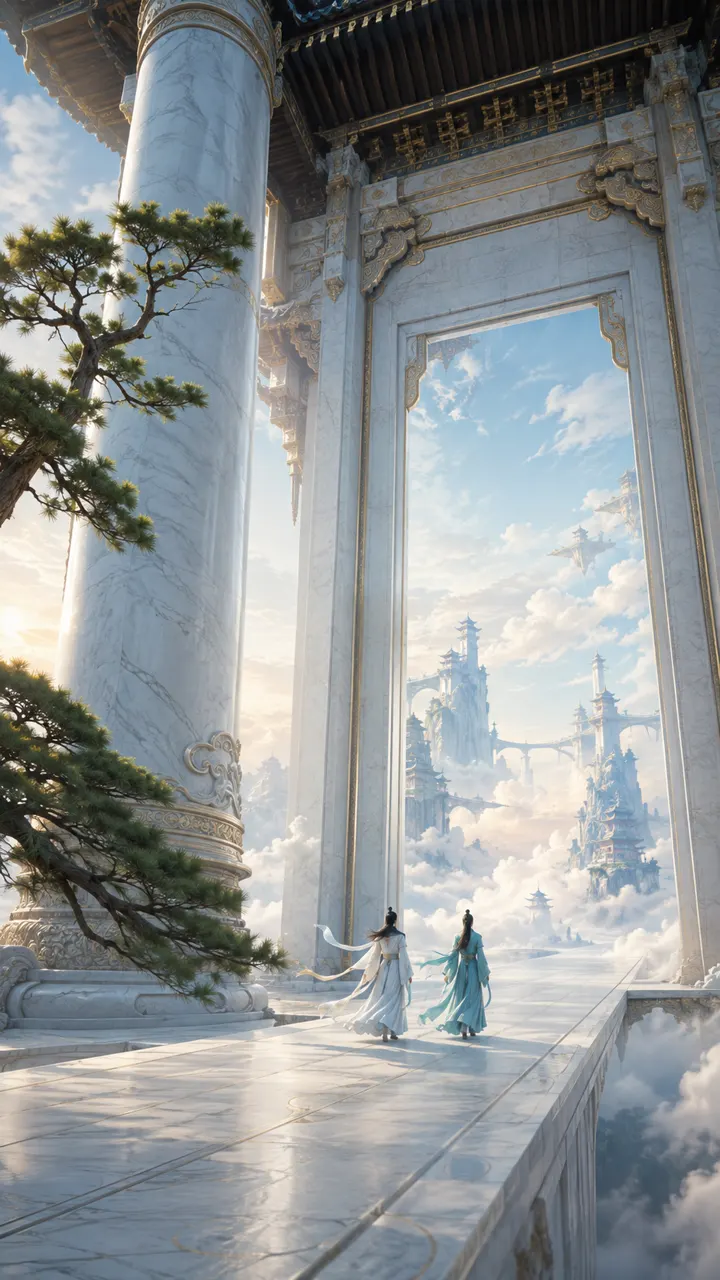
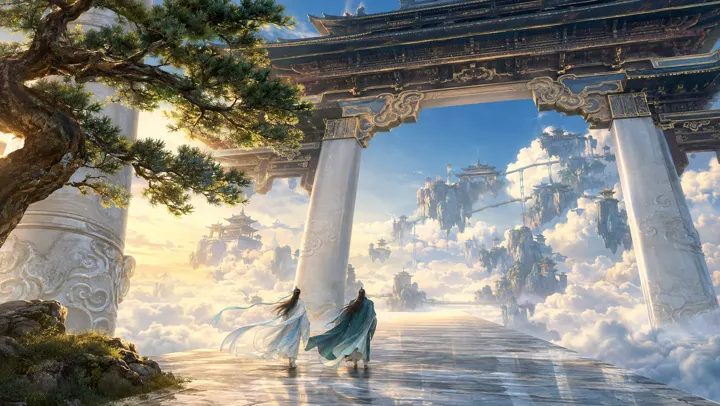
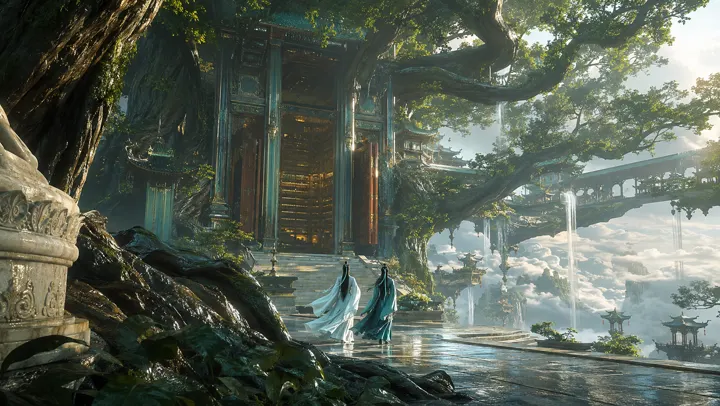
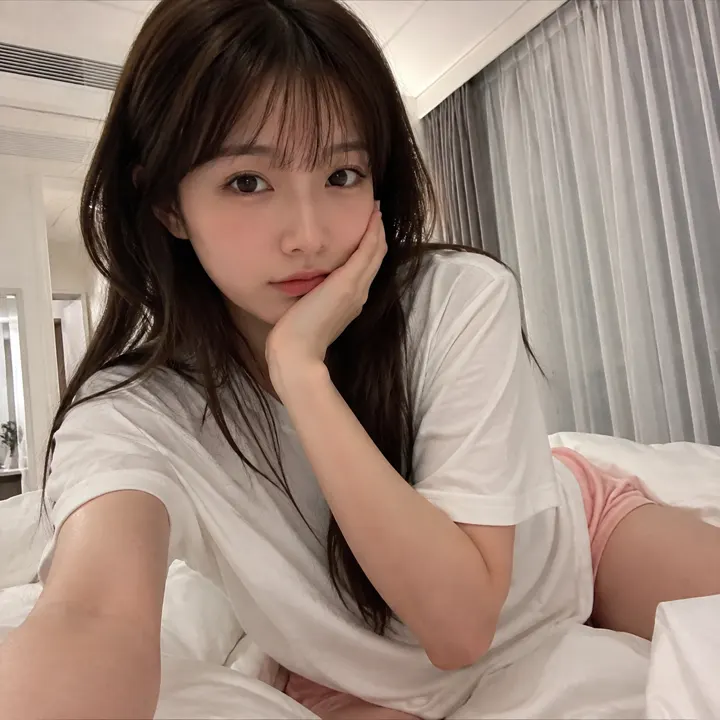
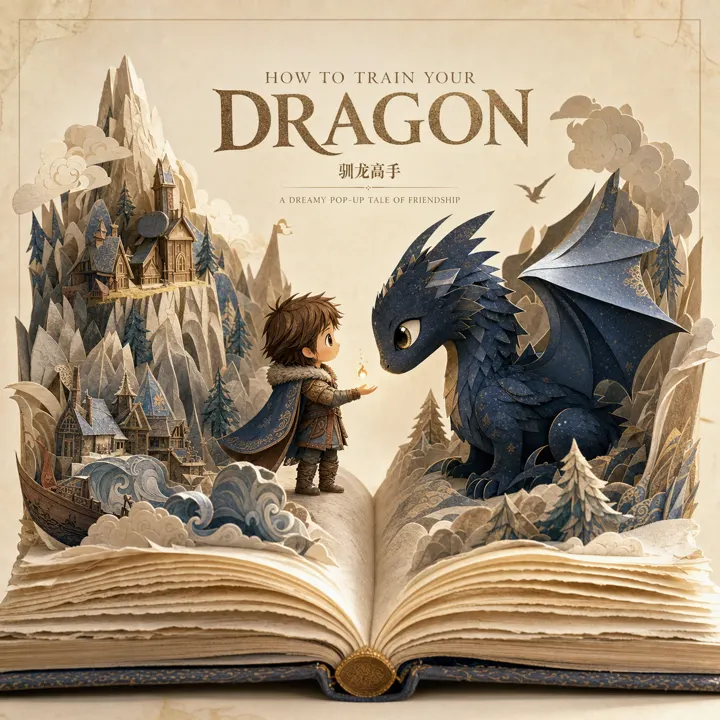
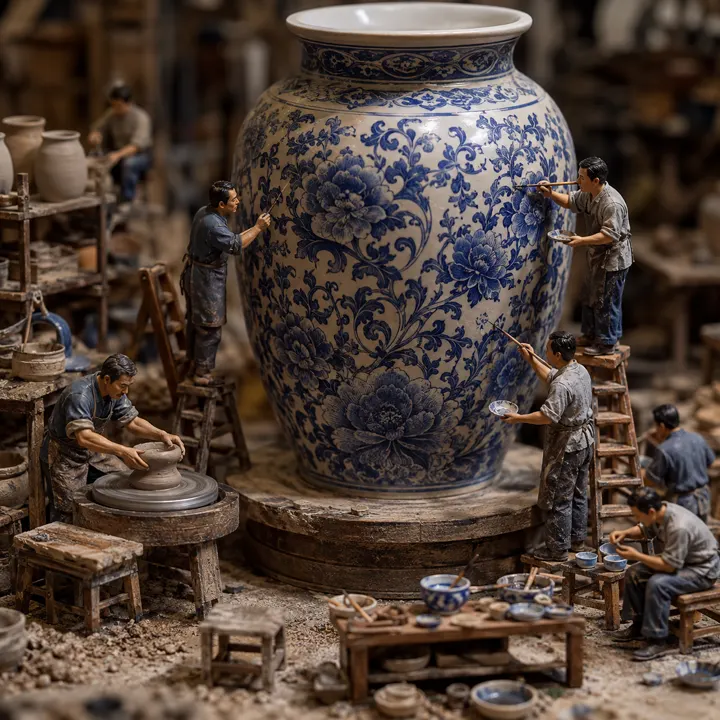


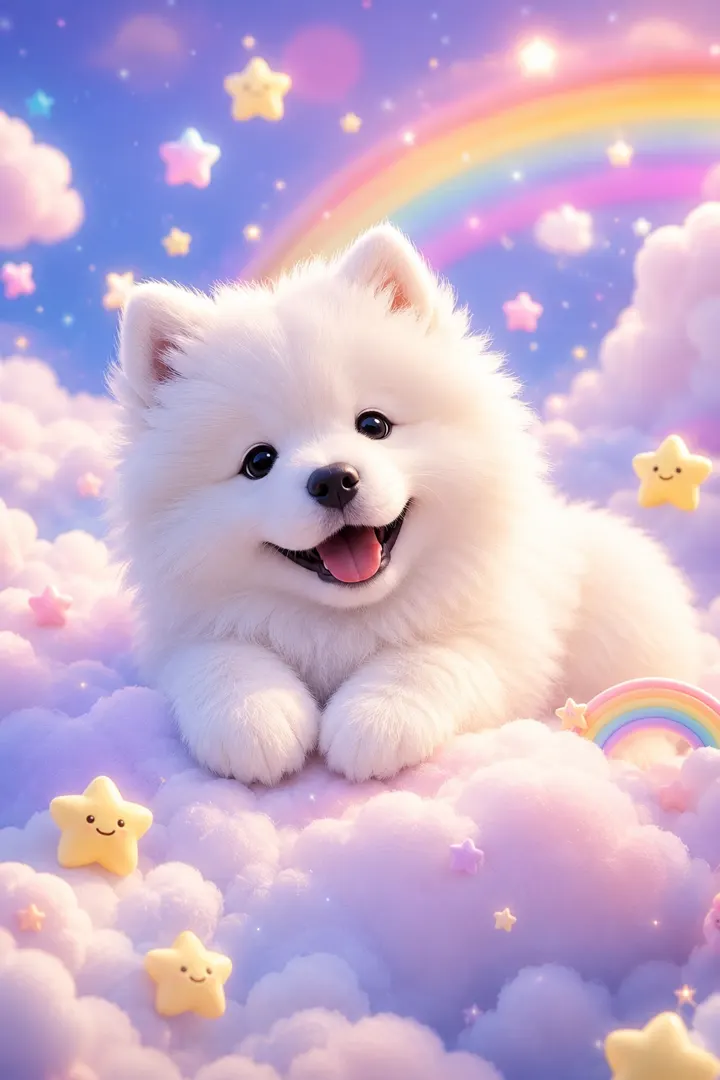
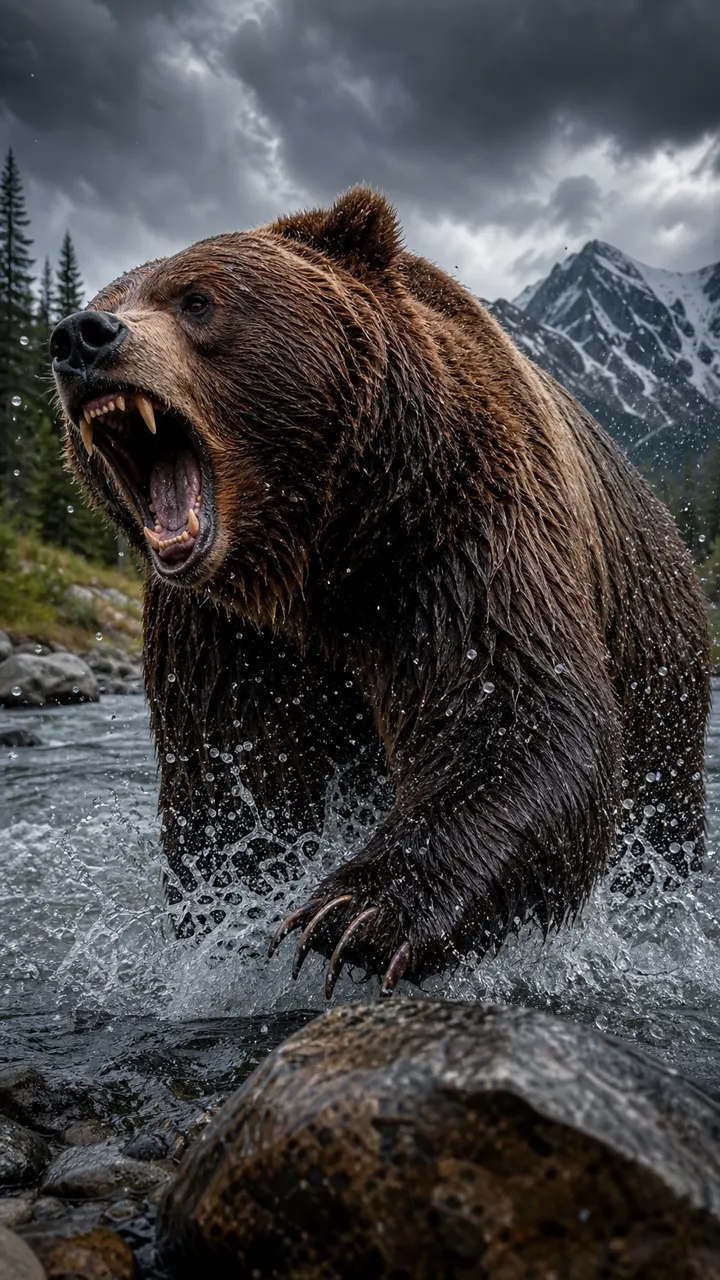
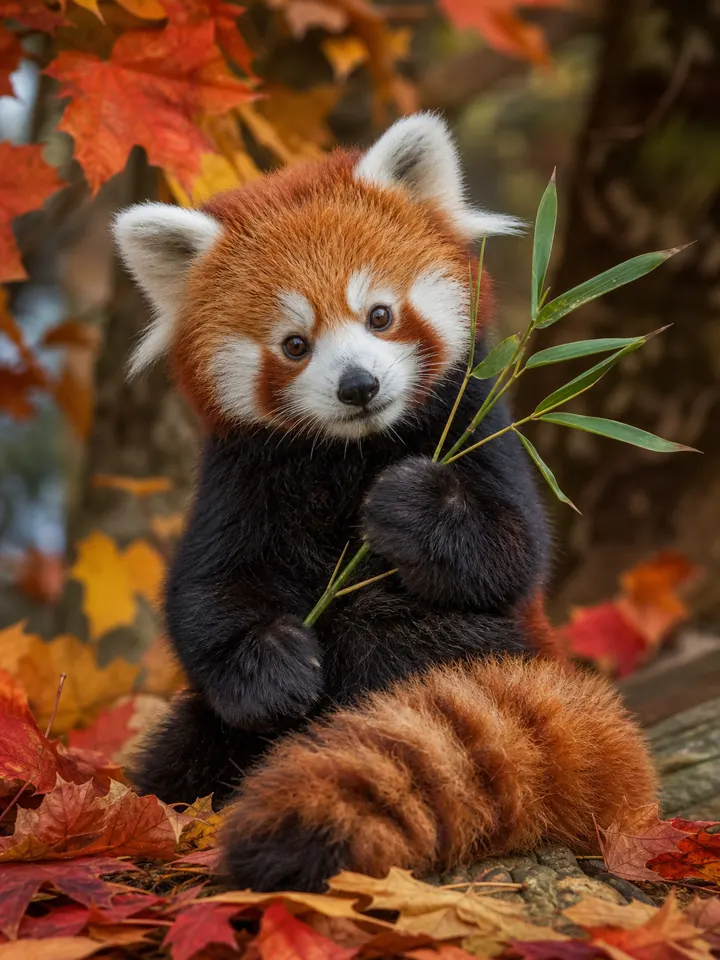

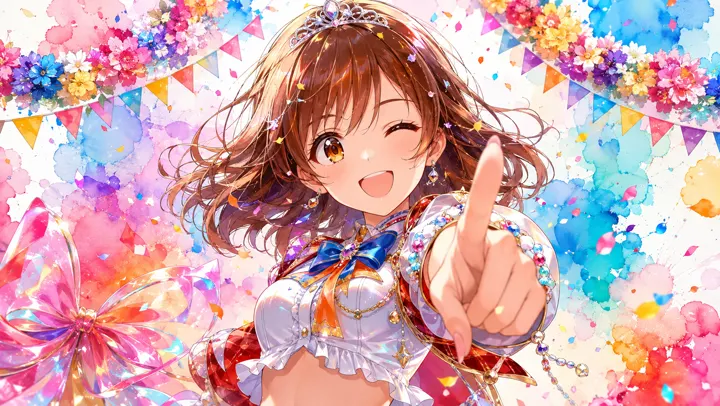
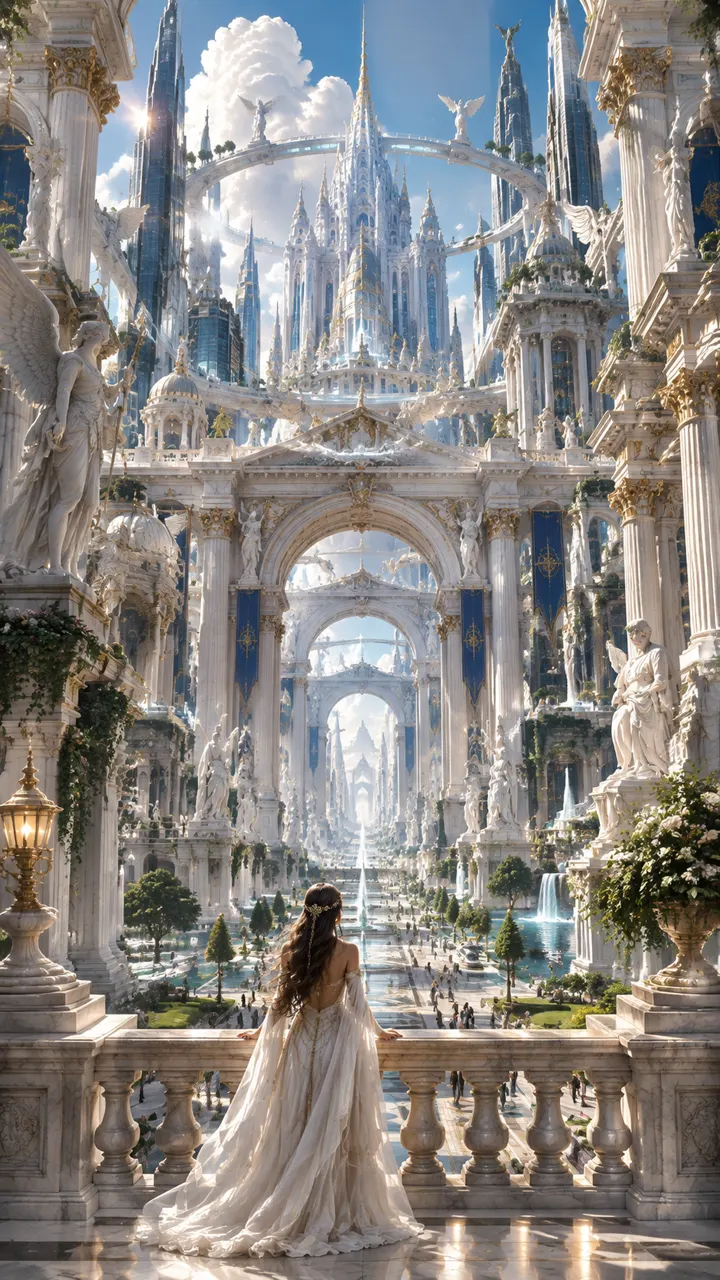
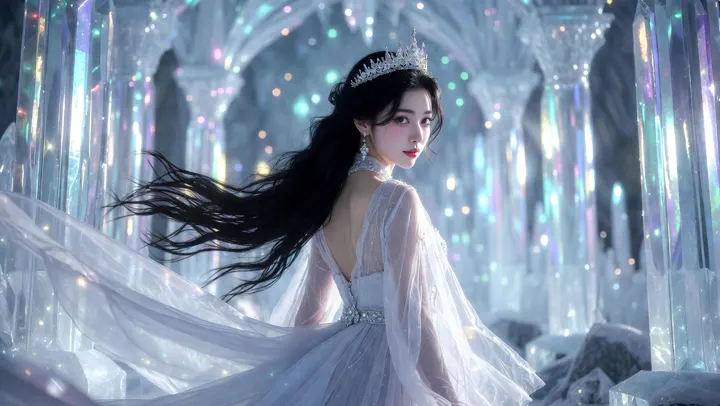
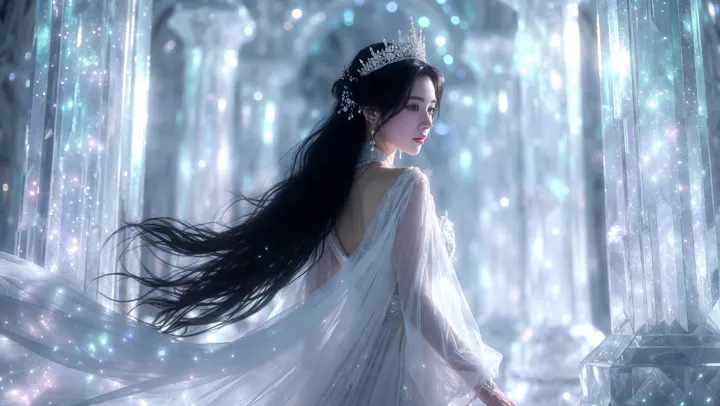
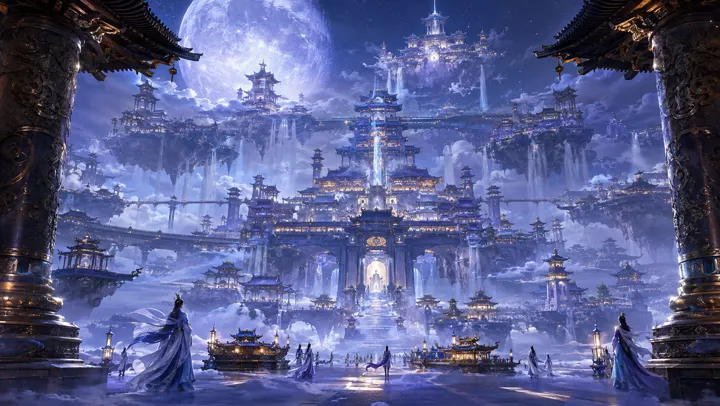
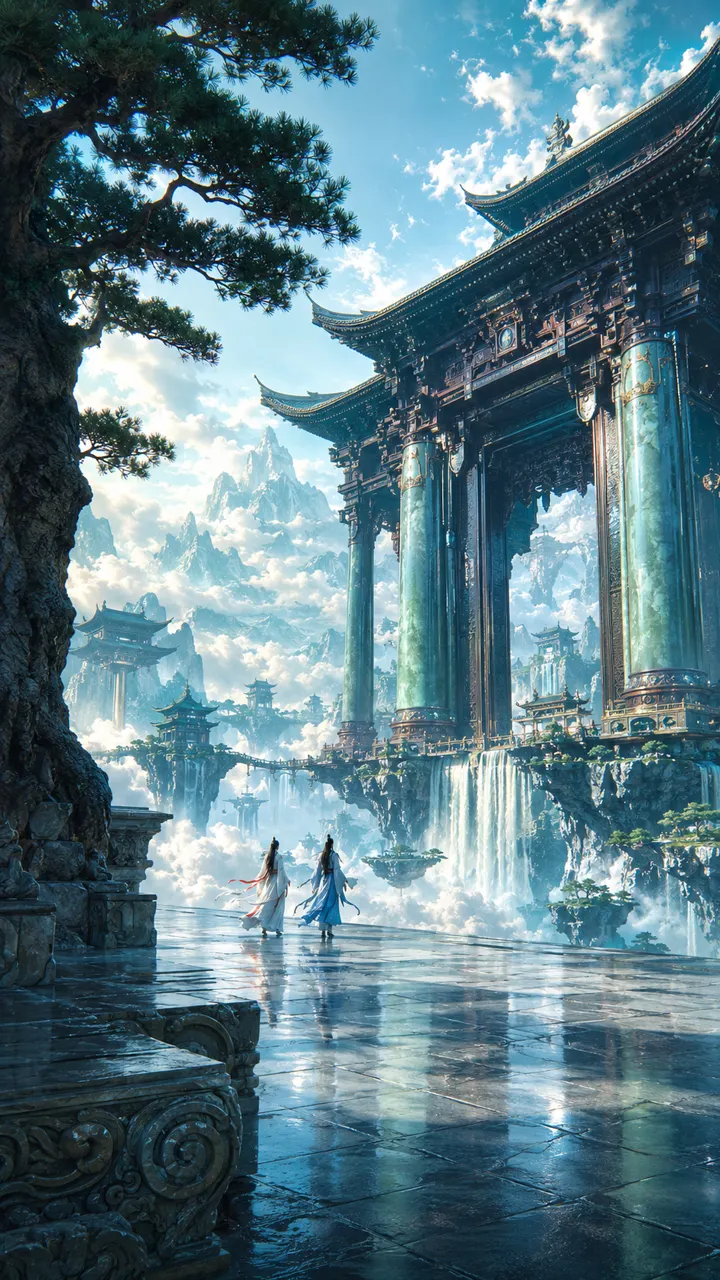
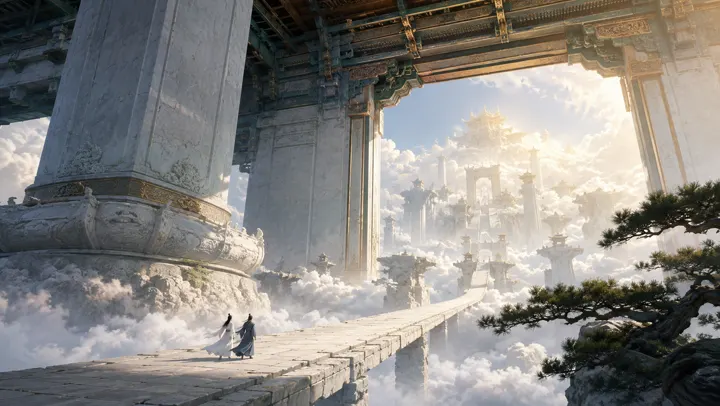
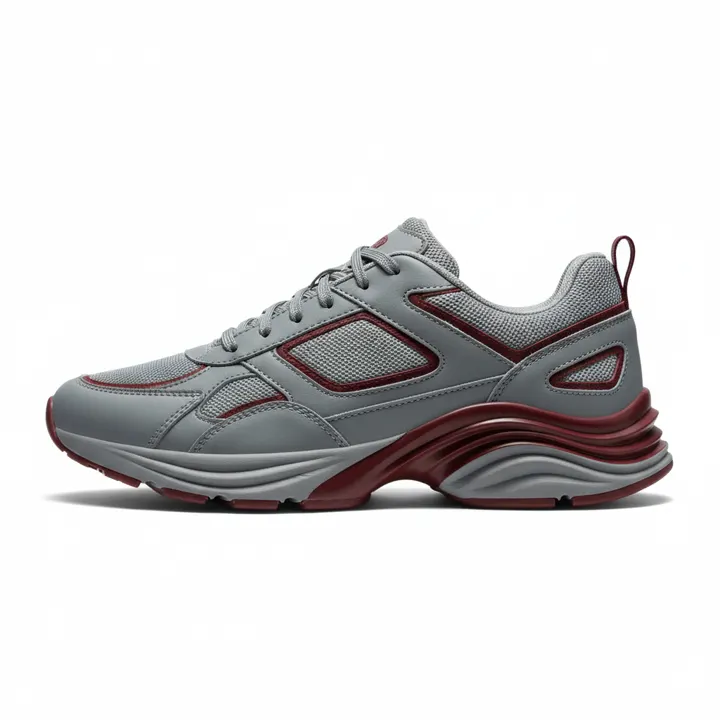
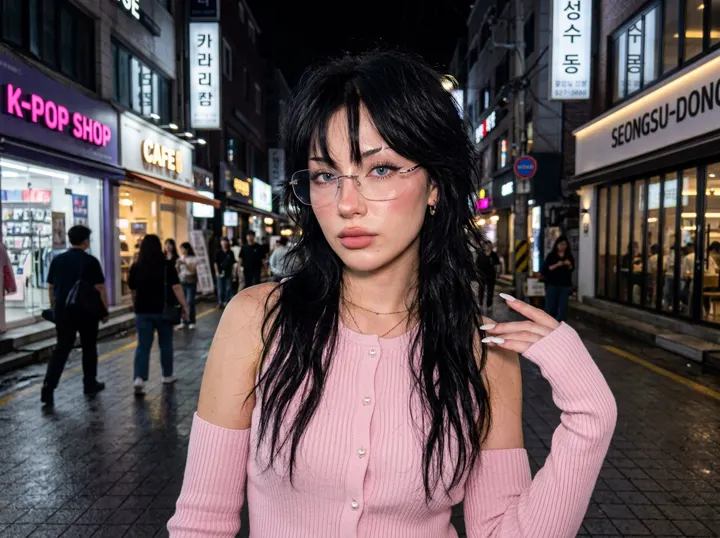
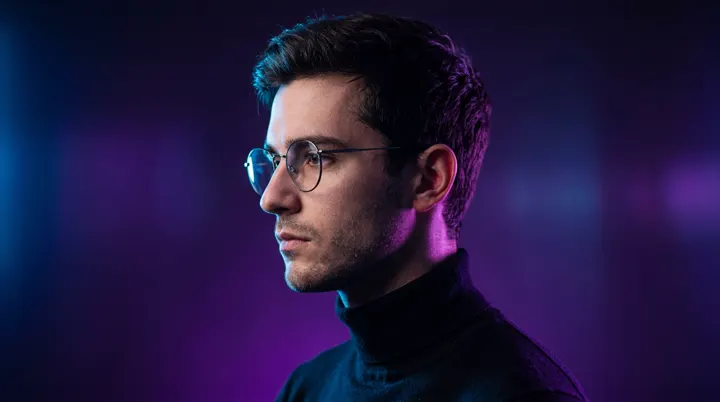
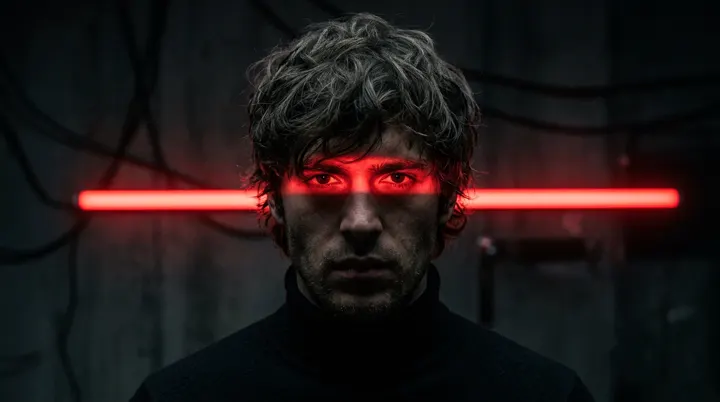
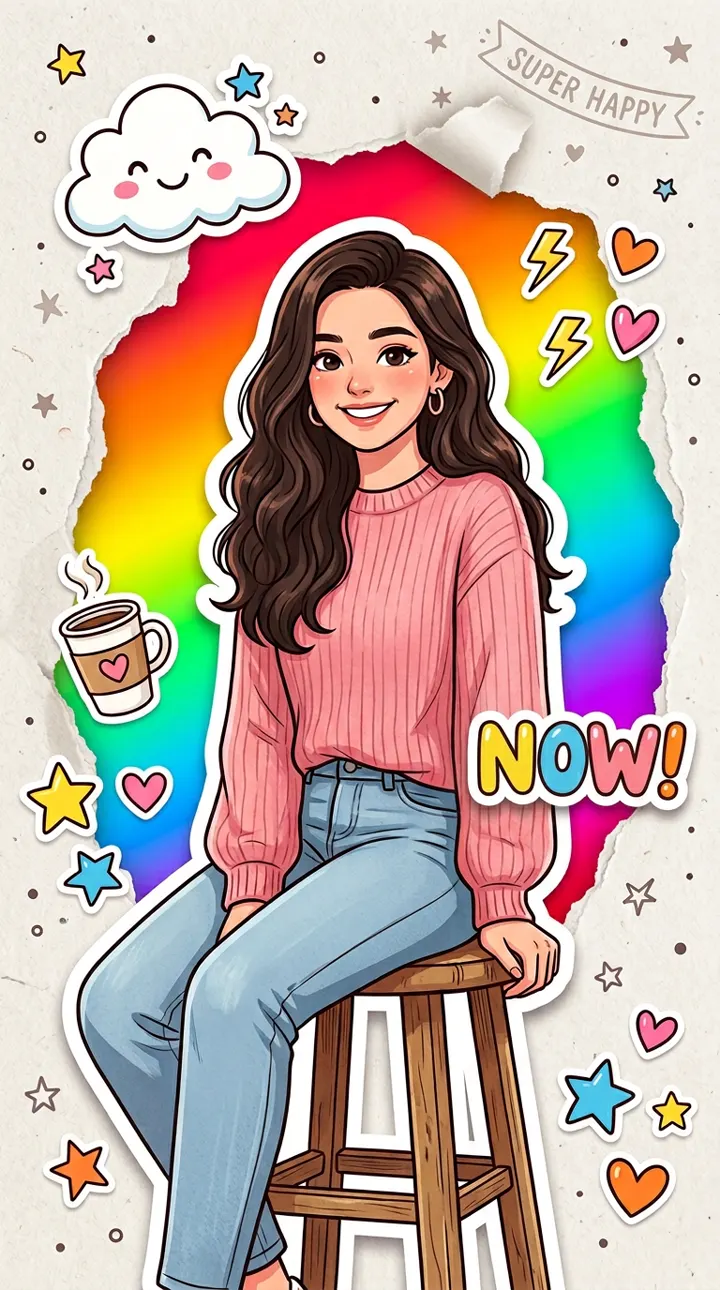
From sentence to image
- 1.
Describe the picture
Say what is in frame, how it is lit and how it is shot. Plain English beats a pile of keywords.
- 2.
Set the format
Aspect ratio sits in the toolbar under the prompt, and every image model here offers one. Some also offer a resolution.
- 3.
Generate and refine
A run can return more than one file, and you are charged once for the run. Change a phrase and go again — a failed generation refunds its credits automatically.
Where a text to image prompt goes wrong
Habits that cost a run. Each one is invisible until the first result comes back.
Adjectives are not a subject
Instead of
beautiful, stunning, ultra detailed, masterpiece, 8k
Write
A brass desk lamp on a walnut table, late afternoon light across the wall behind it
A stack of moods gives the model nothing to place in the frame. Name the thing first, then describe it.
Say where the camera is
Instead of
a woman in a city
Write
Waist-up portrait of a woman on a rainy street at night, shot from slightly below, 50mm, shallow depth of field
Distance, angle and lens are part of the picture. Leave them out and the model picks them for you.
Describe the light, not the filter
Instead of
cinematic, moody, dramatic lighting
Write
One hard light from the left, deep shadow on the right of the face, faint blue fill from a window
Naming a lighting setup gives the model something to build. Naming a preset name gives it a word.
A list is not a composition
Instead of
a knight, a dragon, a castle, a storm, a village, a river
Write
A knight in the foreground with his back to us, a dragon circling above a castle on the ridge behind him, a village and a river far below in the valley, storm light over all of it
Six nouns and no relationships leave the arrangement to the model. Say what is in front, what is behind and what is above, and a crowded frame is no harder to ask for than an empty one.
Expectations
What to know before the first run
What decides whether the first image is close or wasted.
A reference picture is allowed, not required
Attach one and the generator works from it instead of inventing the scene. Useful when a face, product or layout has to carry over; a close match, short of a guarantee.
One run can return several files
Some models answer a single request with more than one image. The run is charged once and every file is yours to download.
Every model reads the same words differently
The same sentence in a second model is a different picture, not a better one. Sending it to two shows you the spread before you settle on a look.
Plan on a second take
The first result tells you what the model heard. Change one phrase — usually the framing — and run it again, so you can see what that one change did.
Use cases
Where a text to image picture fits
One prompt is one generation. Sometimes what comes back is the whole deliverable, more often it is a part of one.
Concept art
Put a look in front of the room before anyone commits a week to it.
Social posts
A vertical or square image that ships as it is, with nothing built around it.
Product and scene mockups
Show an object in a setting nobody has to build, light or travel to.
A starting frame for video
Generate the still first, then send it to image to video and let it move.
Advantages
Why start from text
Nothing to prepare
No photograph to source or licence, no set to build. A sentence is enough to start.
A prompt is cheap to change
Rewriting one line re-shoots the whole picture. Try five directions without booking anything or opening a stock library.
Pictures that cannot be photographed
A place that does not exist, an object nobody has built, a light that never happens.
One sentence, every model
The same words go to every image model in the studio. Keep the one you like.
Text to Image FAQ
Have more questions? Contact us at [email protected]
Your first picture starts with a sentence
Sign up, get free credits, describe a picture. No credit card, nothing to install.