
AI Image Generator
Fabbo's free AI image generator turns a sentence, or a photo you add as a guide, into a new image up to 4K. Not sure what to write? Pick a prompt under the box and change the words in brackets.
Images from this generator, with their prompts
Each prompt below is exactly what was typed. Copy one, change the subject, and you have a starting point that already works.
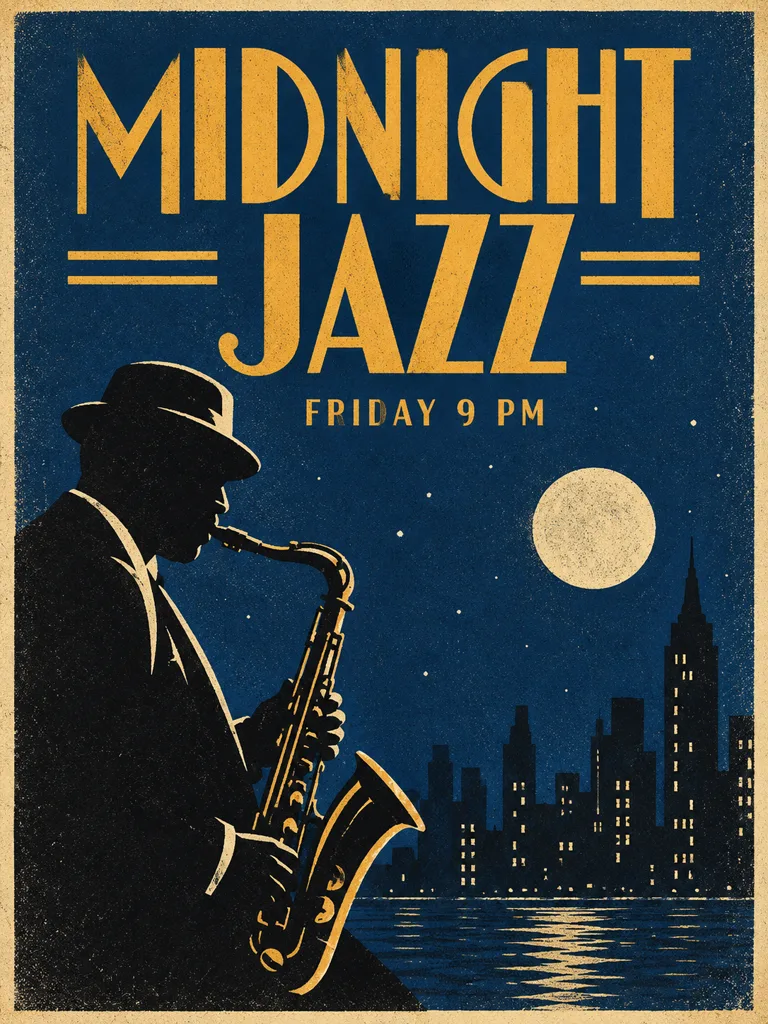
A retro concert poster with the headline "MIDNIGHT JAZZ" in bold art deco letters and the line "Friday 9 PM" below it, a saxophone silhouette against a deep blue night sky, screen-print texture
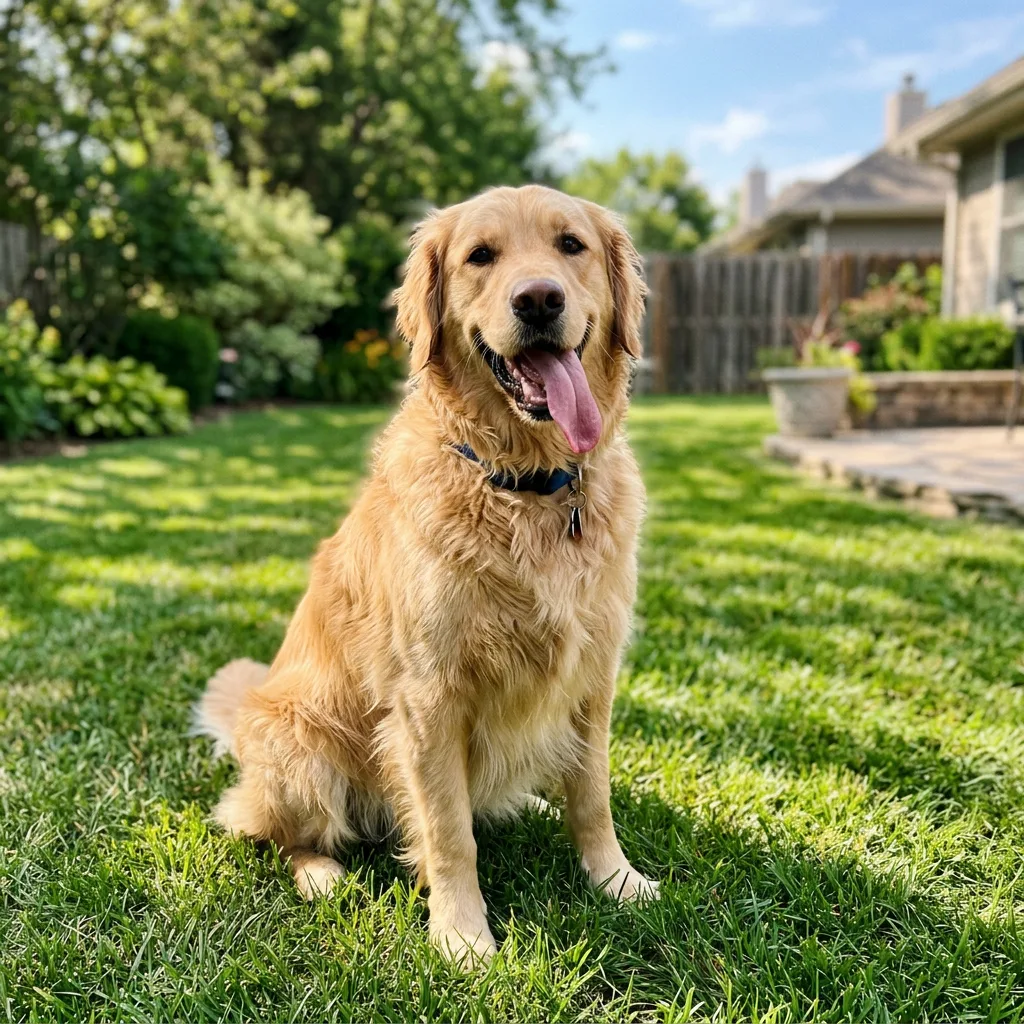
Photo 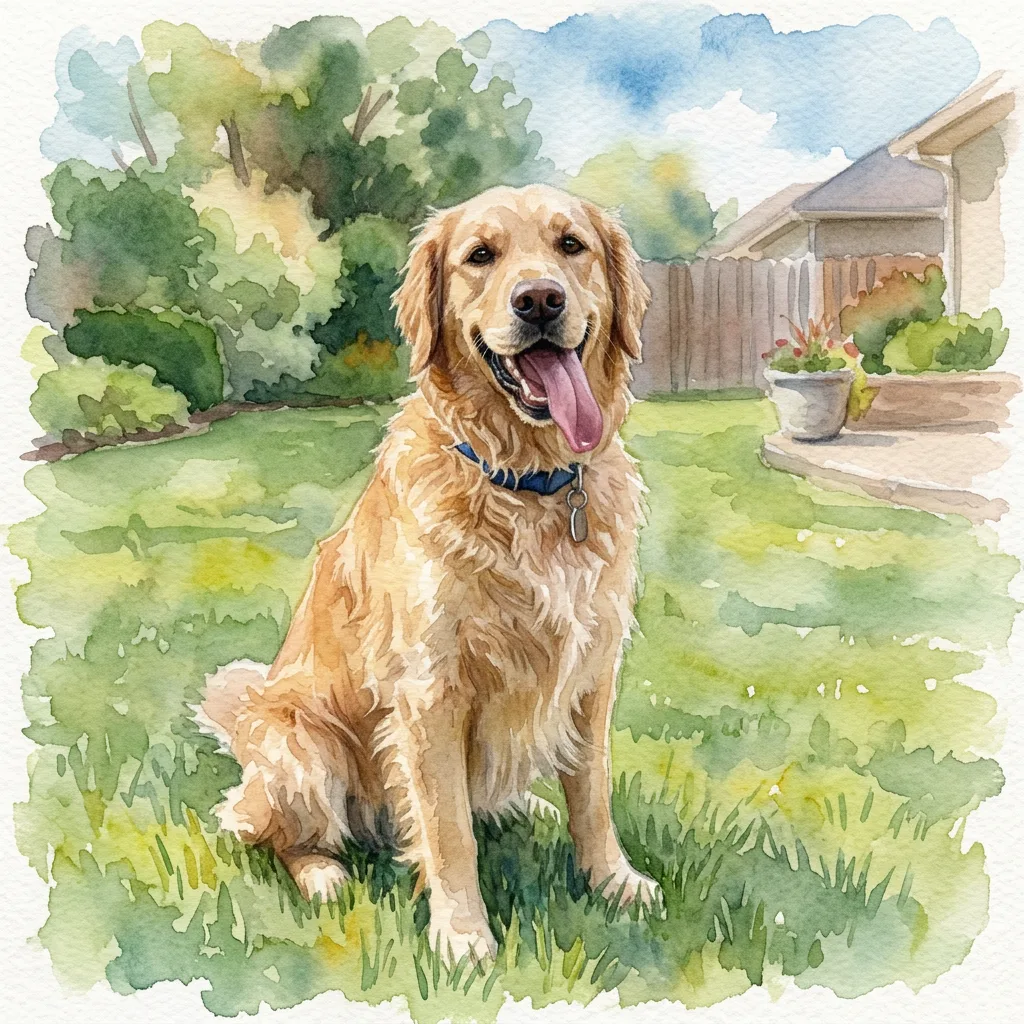
Result Turn this photo into a watercolor painting. Keep the dog's face and pose the same.
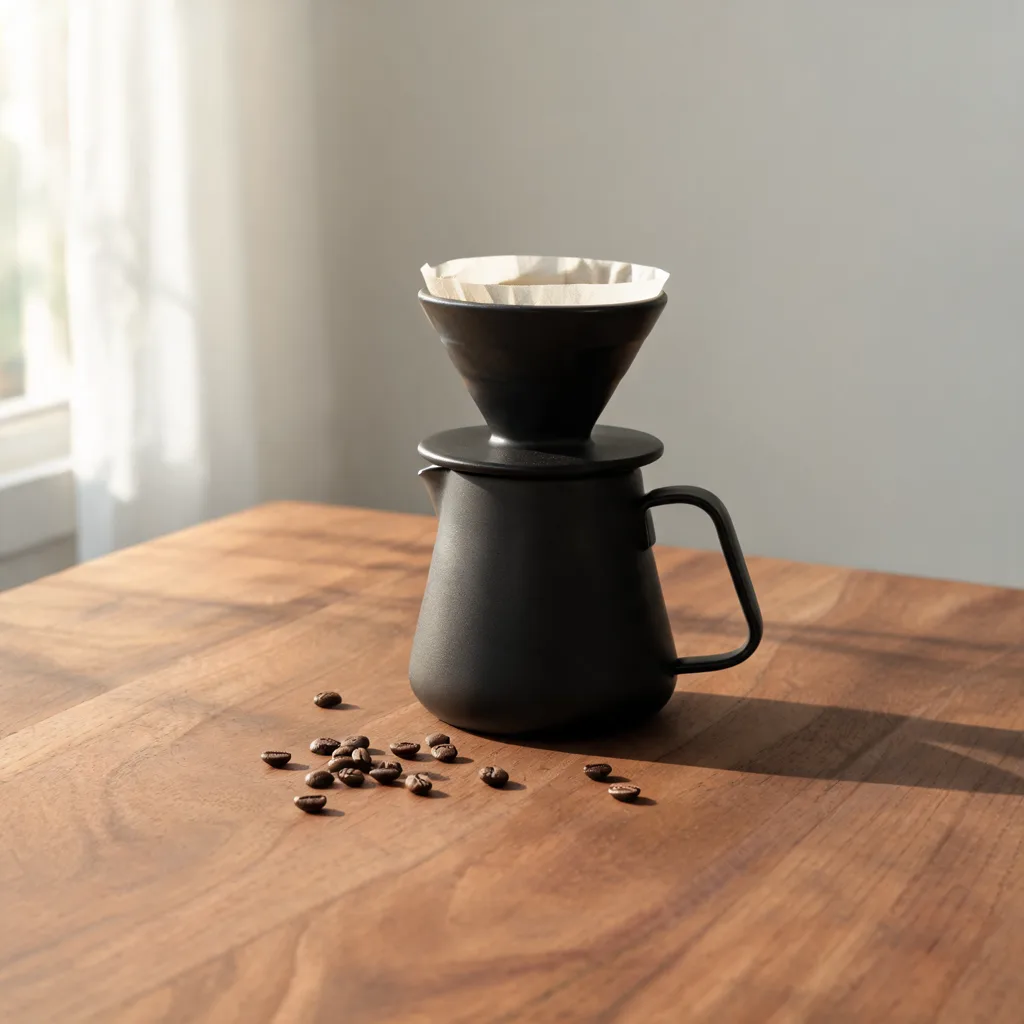
A matte black ceramic pour-over coffee set on a walnut counter, morning window light from the left, soft shadows, a few coffee beans scattered, product photography, no text or logos
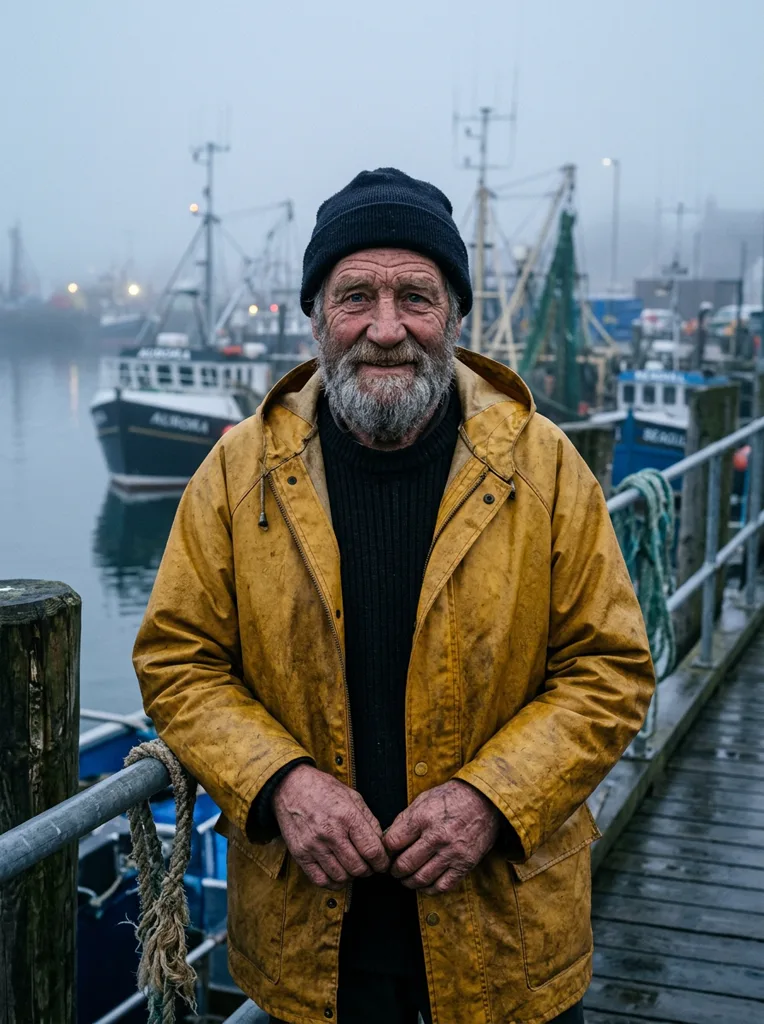
Portrait of an elderly fisherman in a yellow raincoat on a foggy harbor at dawn, weathered face, salt-and-pepper beard, shallow depth of field, natural light, 85mm photo
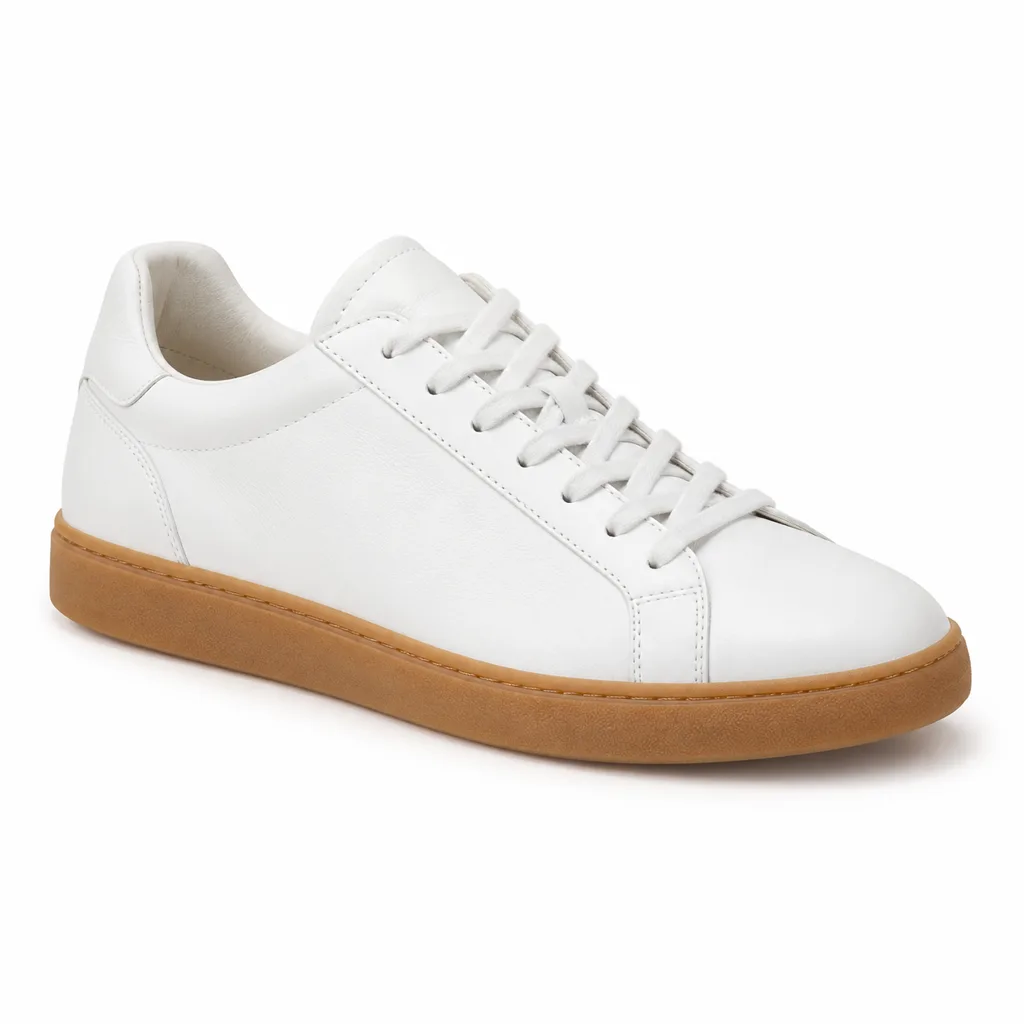
Photo 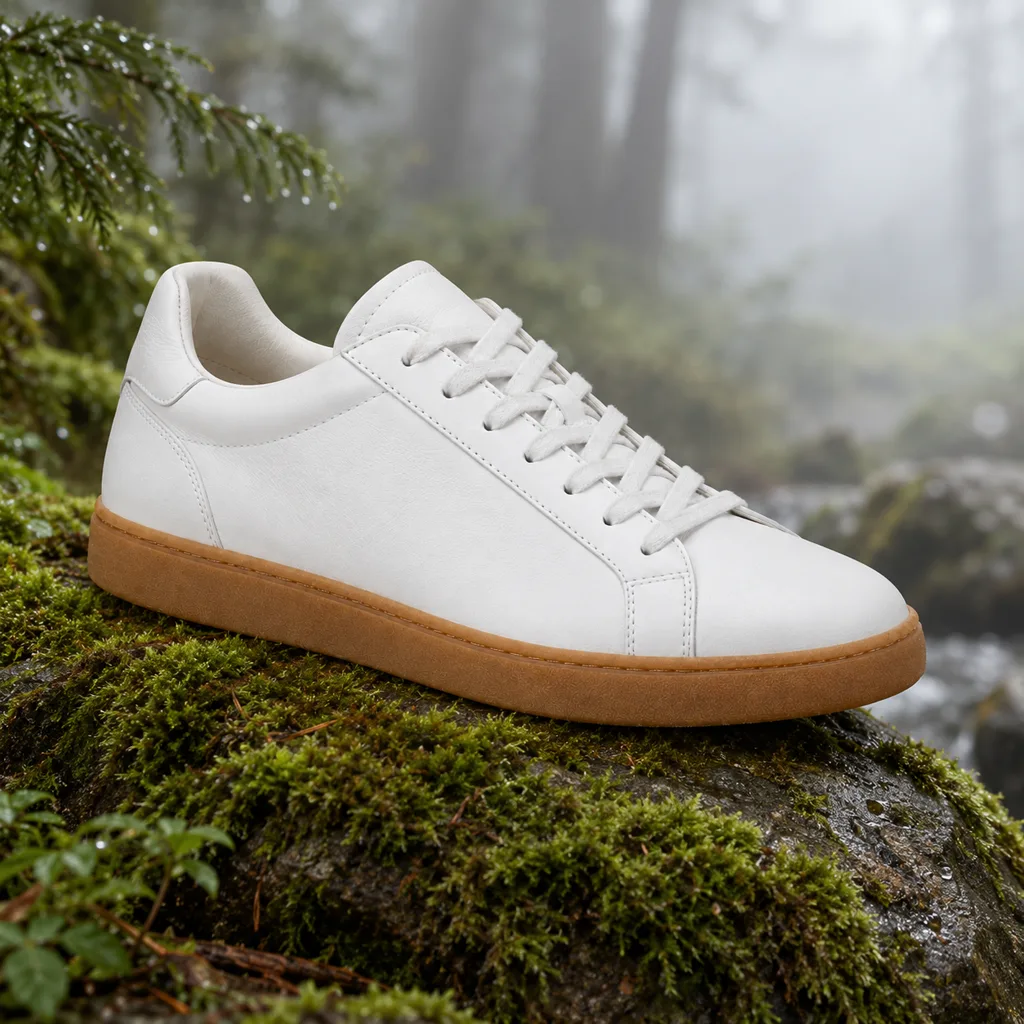
Result Place this sneaker on a mossy rock in a misty forest, with lighting that matches. Keep the product exactly the same.
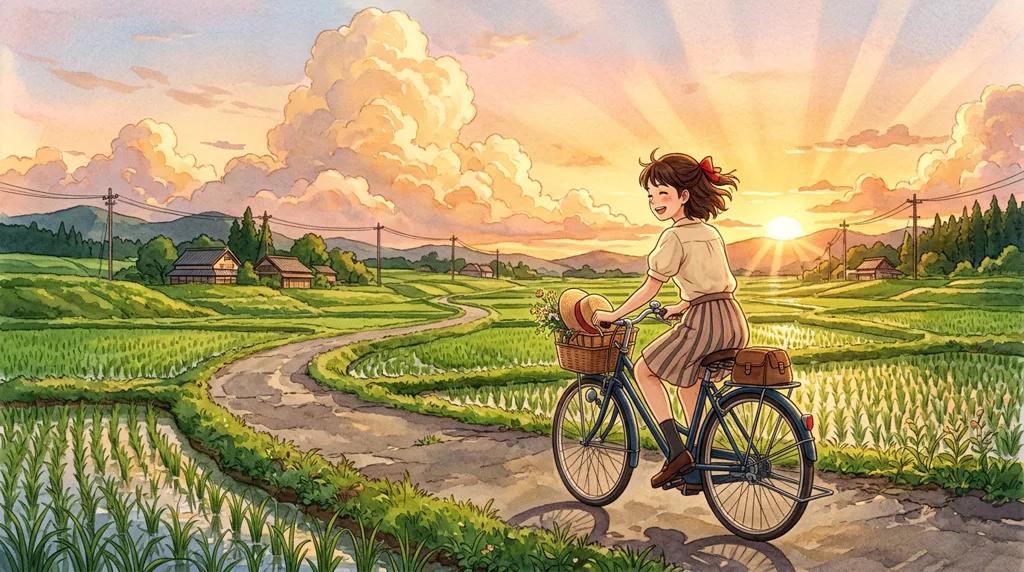
Hand-painted anime illustration of a girl cycling along a country road past green rice fields at sunset, tall summer clouds, warm golden light, gentle and nostalgic mood

A die-cut sticker of a cheerful cactus wearing round sunglasses and holding a tiny ice cream cone, thick white border, flat vector style, bright colors, plain light grey background
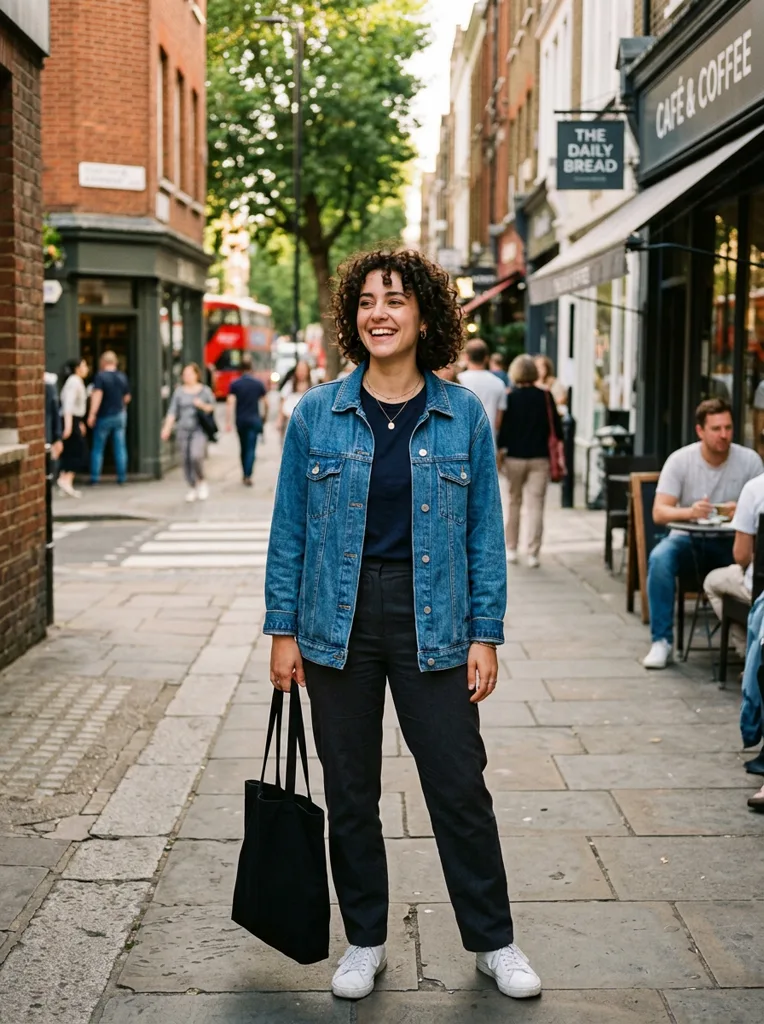
Photo 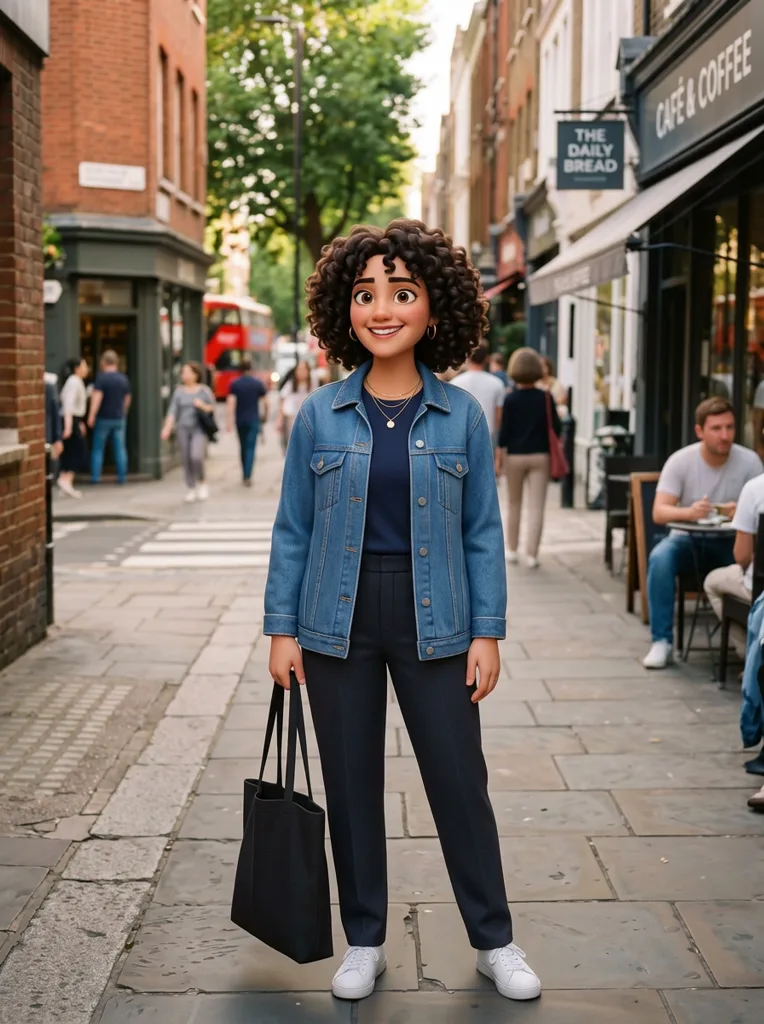
Result Turn the person into a 3D animated character. Keep the face, hair and outfit recognizable.
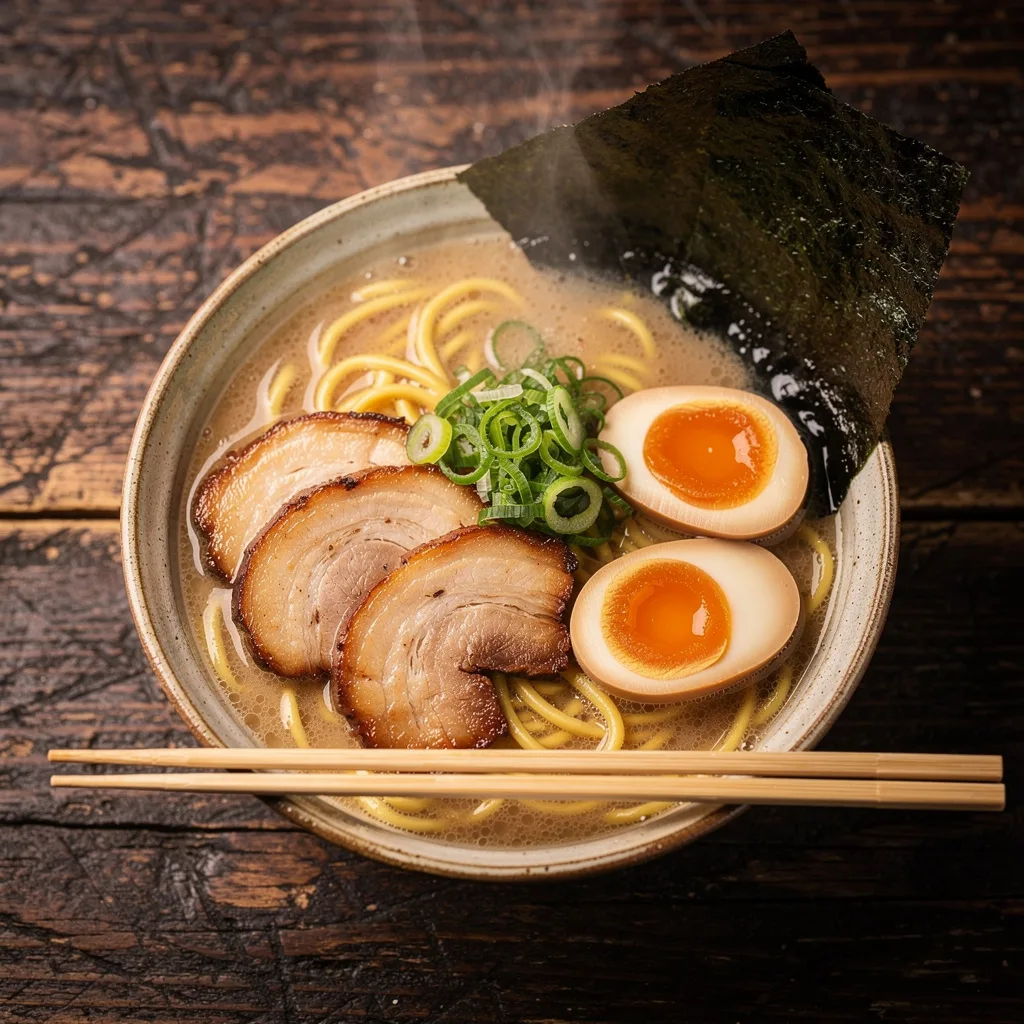
Overhead shot of a bowl of tonkotsu ramen on a dark wooden table, soft-boiled egg, chashu pork, scallions and nori, steam rising, chopsticks resting on the bowl, food photography
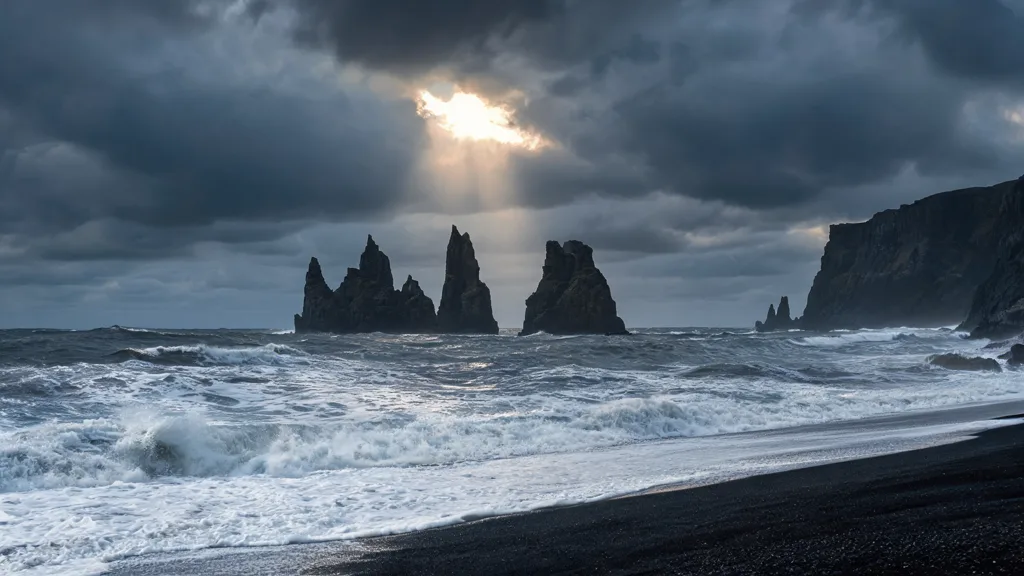
A black sand beach with tall basalt sea stacks under a stormy sky, waves foaming on the shore, a single beam of sunlight breaking through the clouds, landscape photography
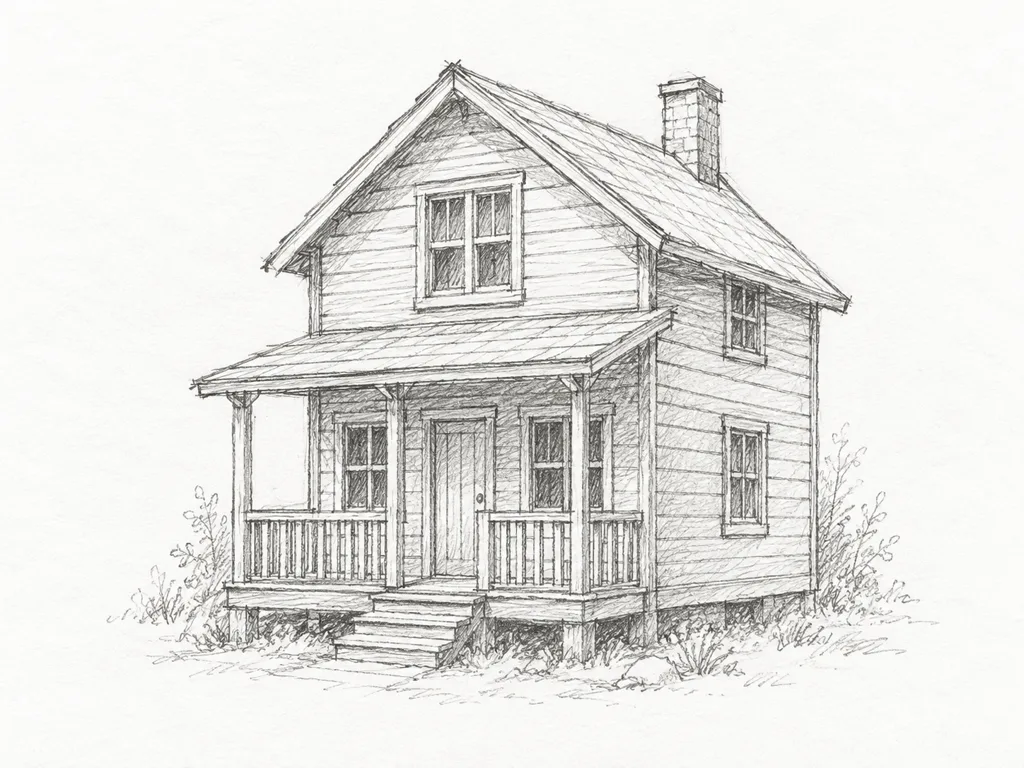
Photo 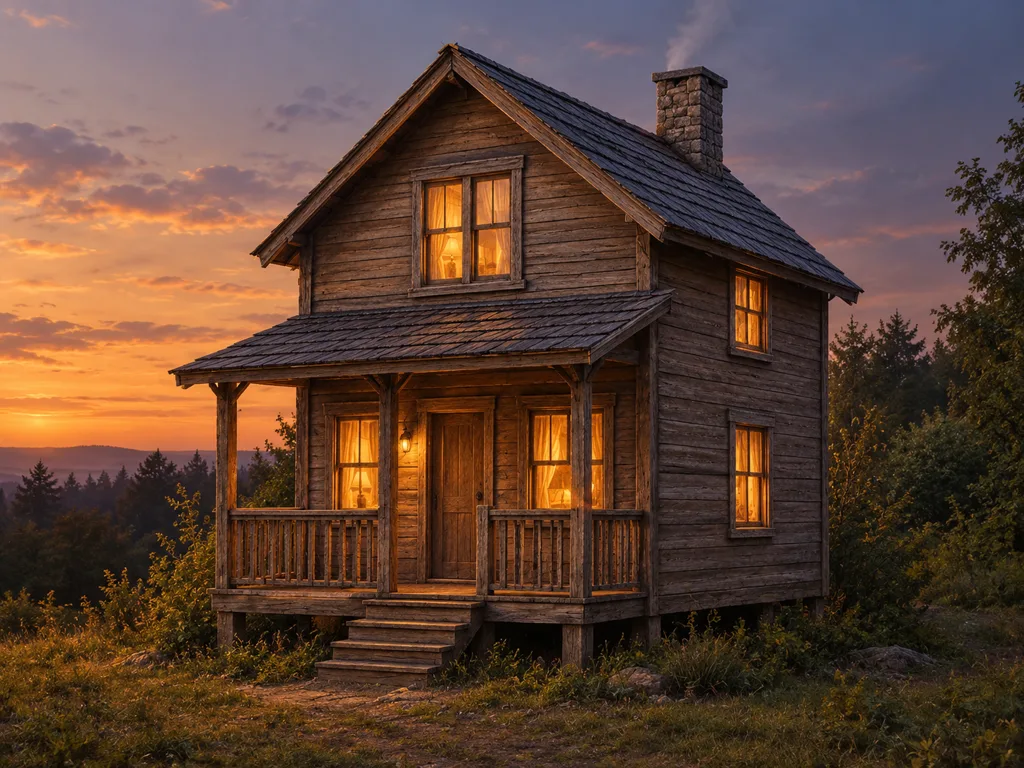
Result Render this sketch as a photorealistic cabin at dusk with warm light in the windows. Keep the shape and layout the same.
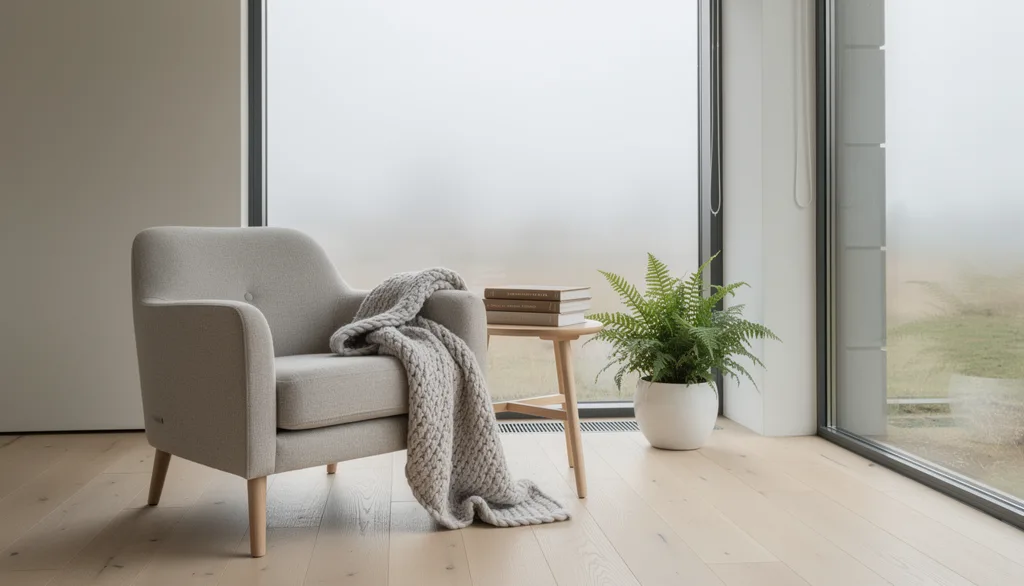
A Scandinavian reading nook by a large window, light oak floor, a wool armchair with a knitted throw, a stack of books and a potted fern, overcast daylight, interior photography
Start from words, or from a photo
Only a prompt
Describe the subject, where it is, the light and the style. There is nothing to upload: the model draws the whole picture, so every detail you leave out is its choice.
A prompt and one photo
Add one picture and say what to keep from it, such as a product, a face, a pose or the layout of a sketch, and what to change. The prompts with a photo under the box start you off with a sample.
Every model in the picker
Which AI image model to choose
The same prompt comes out differently on each model. Keep yours, switch models in the picker, and the price next to the generate button updates.
Flux 2 Pro
Clean, photo-style images and edits
from 3 credits · 1K · 2K
Flux 2 Flex
Sharp typography and fine small details
from 8 credits · 1K · 2K
Seedream 4.5
Faithful edits and dense text, up to 4K
from 4 credits · 2K · 4K
Seedream 5.0 Lite
Diagrams and multi-subject scenes that follow the prompt
from 4 credits · 2K · 3K · 4K
Seedream 5.0 Pro
Text-heavy graphics like infographics, and precise edits
from 7 credits · 1K · 2K
Nano Banana Pro
Legible text in many languages, up to 4K
from 18 credits · 1K · 2K · 4K
Nano Banana
Fast generation and natural-language image editing
from 3 credits
Nano Banana 2
Quick 4K images with legible text
from 6 credits · 1K · 2K · 4K
Nano Banana 2 Lite
Quick drafts with legible text
from 4 credits
GPT Image 2.5 Flare
Quick everyday images and edits, up to 4K
from 3 credits · 1K · 2K · 4K
GPT Image 2.5 Sunburst
Fine detail and faithful edits, for final work
from 3 credits · 1K · 2K · 4K
GPT Image 2
Precise text, instructions, and edits up to 4K
from 3 credits · 1K · 2K · 4K
GPT Image 1.5
Edits that keep faces, lighting and composition
from 5 credits · Quality: medium · high
Grok Imagine
Quick drafts in photo, illustration and stylized looks
from 3 credits
How to generate an image with AI
- 1.
Describe the image
Write what you want to see, or pick a prompt under the box and change the words in brackets. Add a photo if the result should keep something from it.
- 2.
Choose a model, size and shape
The size and shape menus show what the selected model supports, and the price shows next to the generate button.
- 3.
Generate, then keep going
Download the image, or take it on to the AI image editor, the upscaler or image to video.
How to write an image prompt
A model draws what you name. Adjectives such as “beautiful” or “8k” name nothing it can place in the picture.
The subject and where it is
Vague
a coffee maker
Clear
A matte black pour-over coffee set on a walnut counter, a few beans scattered
Say what it is made of and what it stands on, so the model is not left to guess the scene.
The light
Vague
nice lighting
Clear
Morning window light from the left, soft shadows
Where the light comes from and how hard it is sets the mood more than any style word.
The framing and shape
Vague
a ramen photo
Clear
Overhead shot of a bowl of ramen, chopsticks resting on the bowl, food photography
Name the camera angle, and pick the shape in the menu: 9:16 for a phone screen, 16:9 for a banner.
Words in the picture
Vague
a jazz poster with a title
Clear
A retro concert poster with the headline "MIDNIGHT JAZZ" and the line "Friday 9 PM" below it
Quote the exact words and say where they go. Short lines come out more reliably than long ones.
AI Image Generator FAQ
Have more questions? Contact us at [email protected]
Make the image you have in mind
Type it, or start from a photo, and try it on more than one model. Signing up comes with credits to try it.