
AI Image Upscaler
An AI image upscaler enlarges a small or blurry picture 2× or 4× and fills in the detail a plain resize smears.
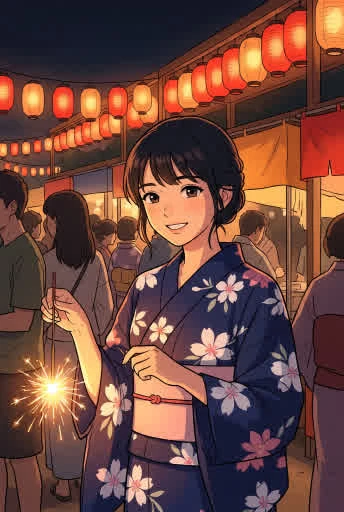
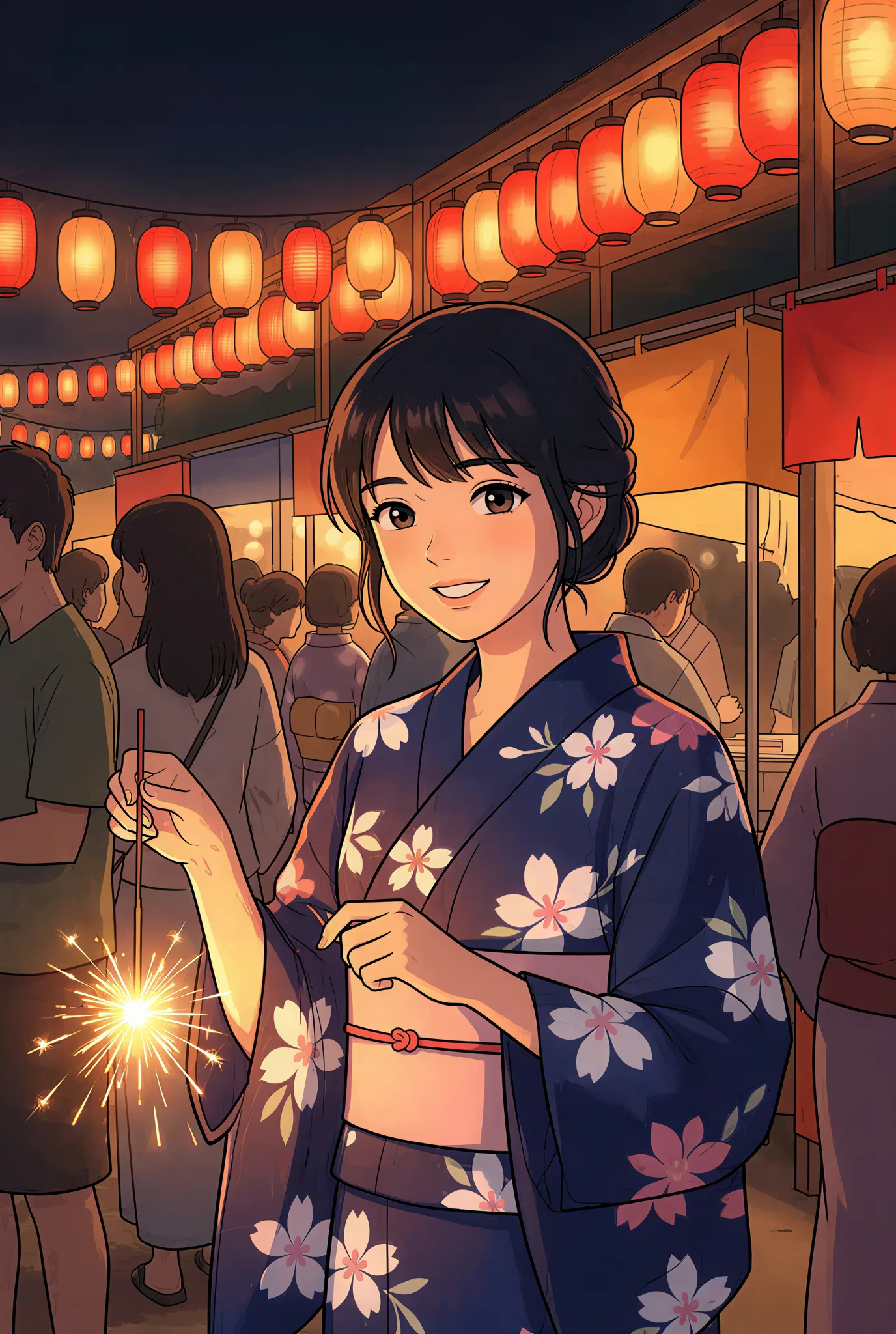 BeforeAfter 4×
One run of this tool: a small picture upscaled 4×.
Your upscaled image appears here
Before and after
AI image upscaler results on four kinds of picture
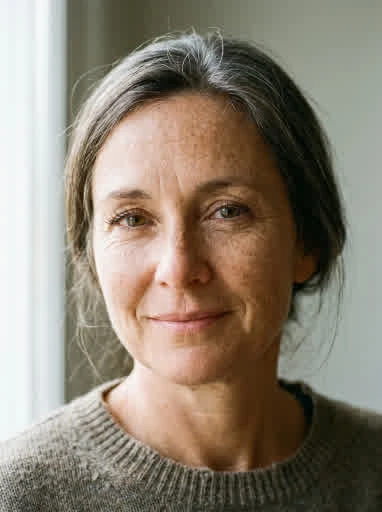
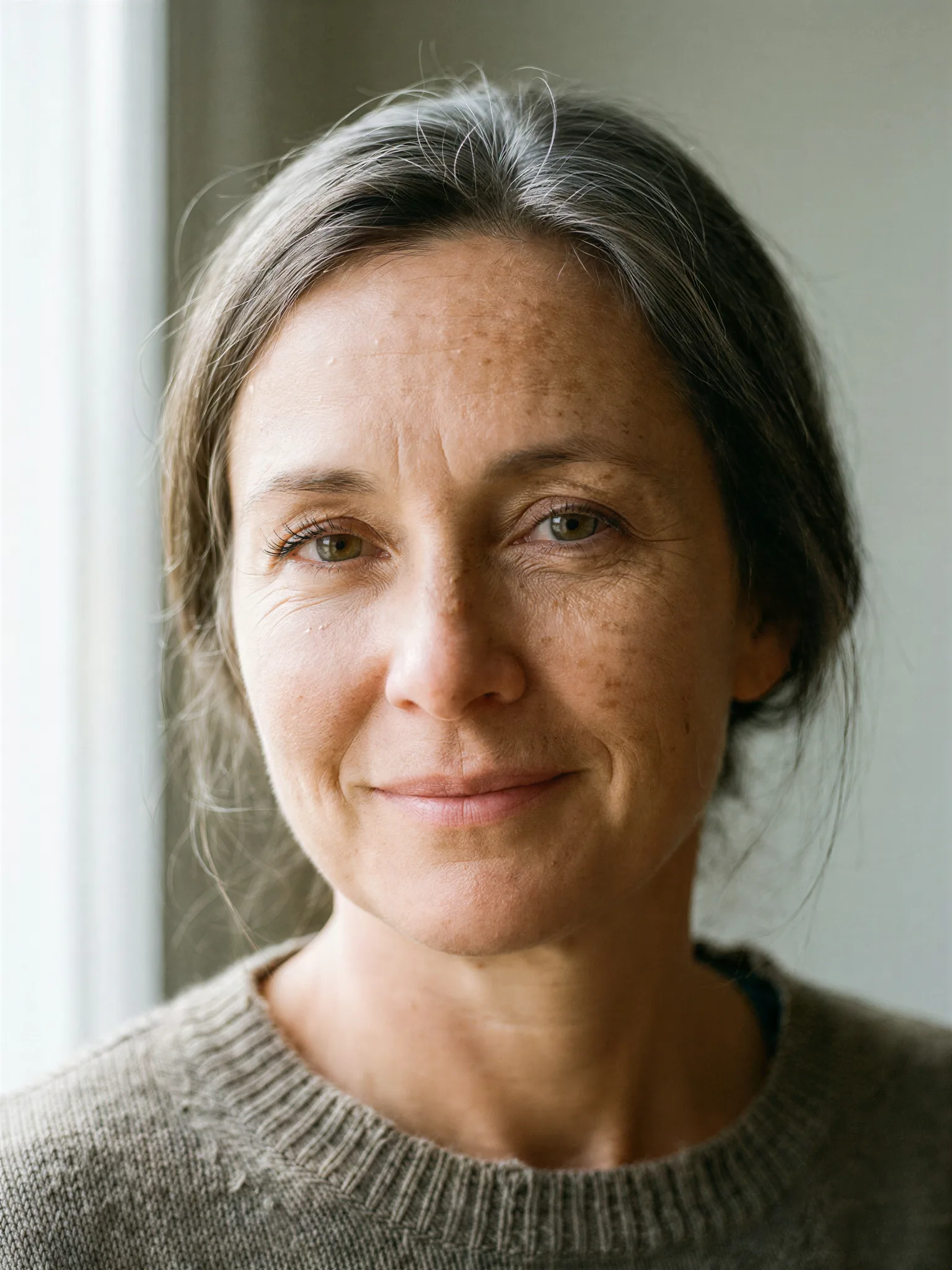
Every pair is a small, compressed original and the same picture after 4× upscaling with this tool.
 BeforeAfter 4×
Portraits
Skin texture, lashes and stray hairs come back; the face stays the same face.
 BeforeAfter 4×
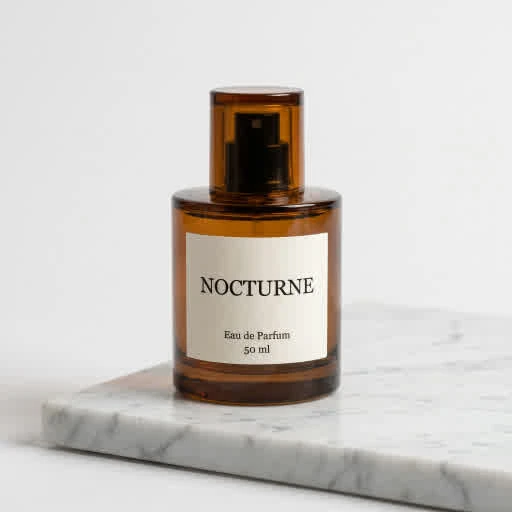
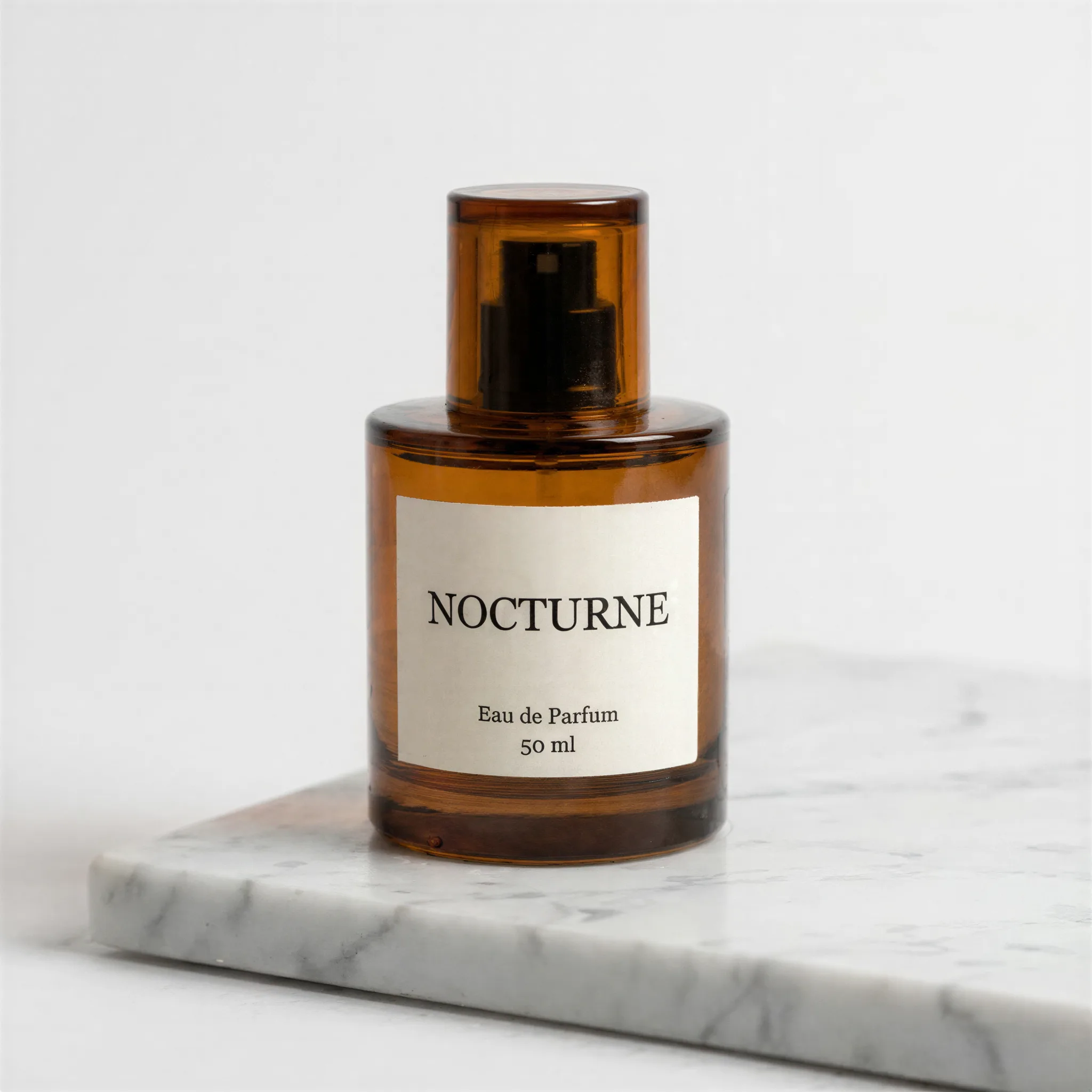
Product photos
The label sharpens without a letter changing.
 BeforeAfter 4×
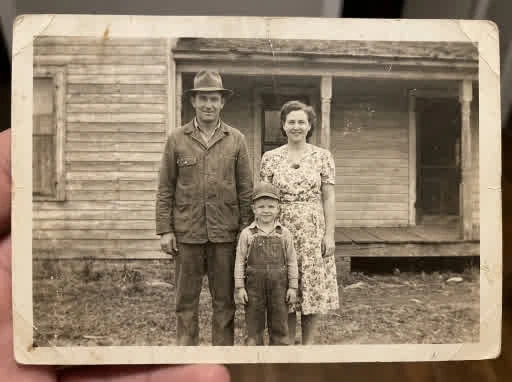
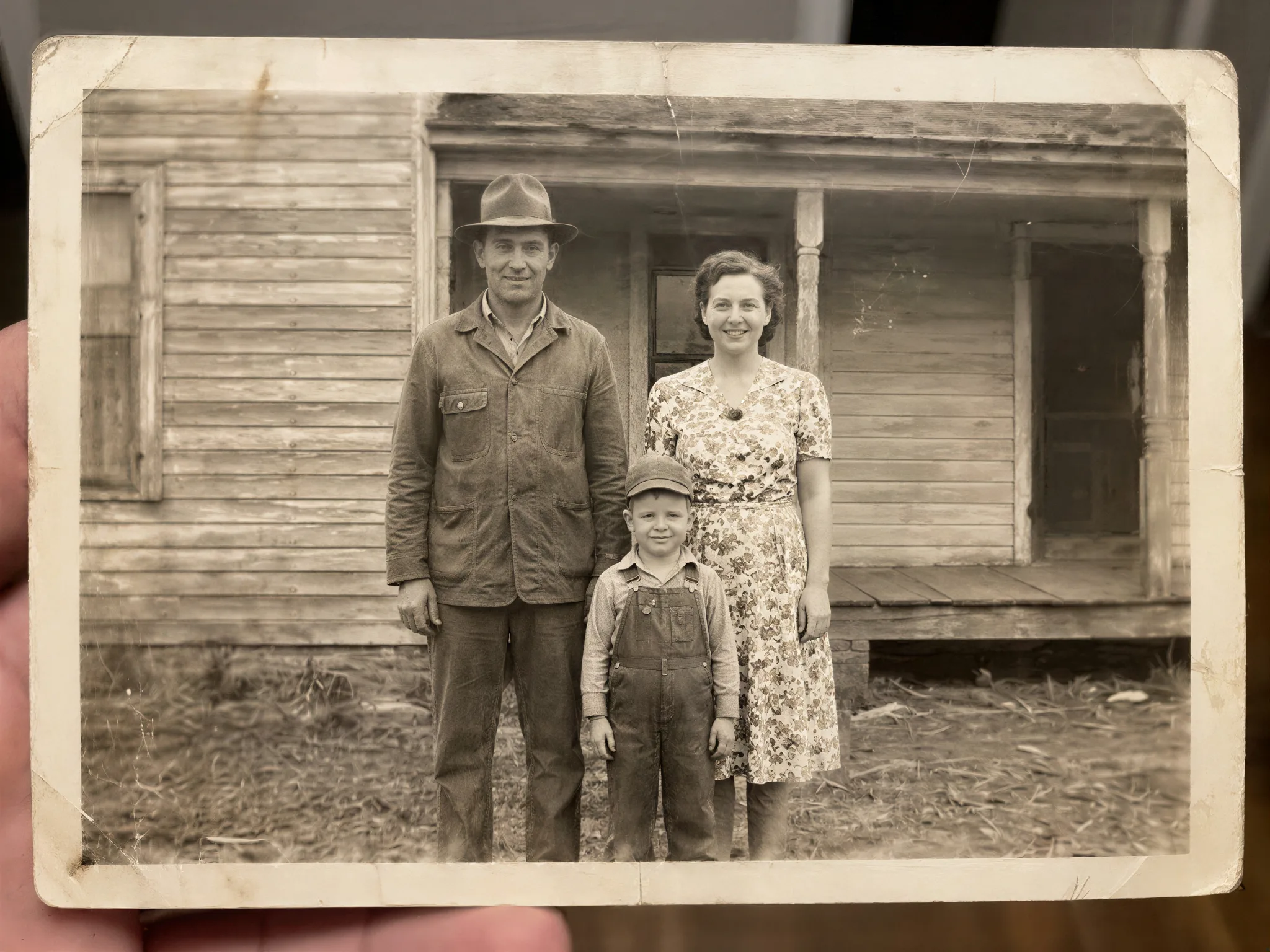
Old photos
The grain stays part of the photo while faces and fabric get their edges back.
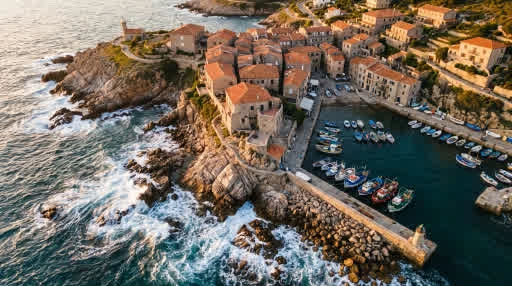
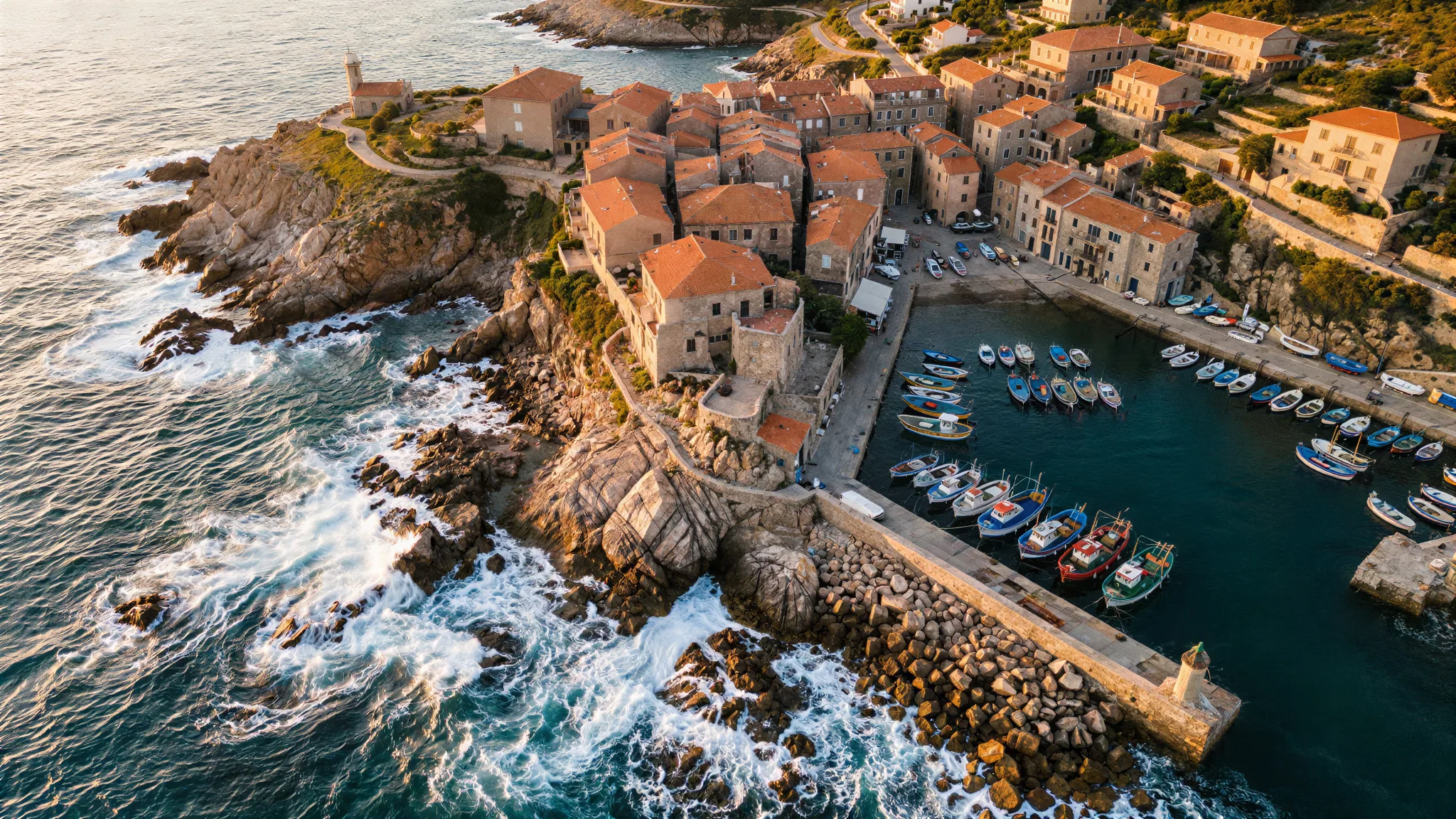 BeforeAfter 4×
Landscapes
Rock, foam and roof tiles get texture instead of blur.
How to upscale an image
- 1.
Upload the image
A JPG, PNG or WebP up to 20MB.
- 2.
Choose 2× or 4×
2× doubles the width and height for 1 credit; 4× quadruples them for 2.
- 3.
Compare and download
Drag across the result to check it against your original, then download the full-size JPG.
Not just bigger
What AI upscaling fixes that resizing cannot
Enlarging an image in an editor spreads the same pixels further apart. An upscaler adds the ones that were missing.
Detail between the pixels
Hair, fabric, foliage and skin get texture that matches the rest of the picture instead of a smooth blur.
Compression blocks
The square artefacts of a heavily saved JPG are cleaned up on the way, not enlarged along with everything else.
Edges and lettering
Outlines, line art and printed text come out sharp, and the words on a label stay the words that were there.
The picture you uploaded
Framing, colours and aspect ratio stay as they were. Nothing is cropped to fit a preset shape and no one’s face is redrawn.
Where size matters
When a bigger version of an image is the one you need
Printing
A picture that looks fine on a phone turns soft on paper. Upscaling gives a print more pixels per inch to work with.
Product listings
Marketplaces zoom in on product shots. A supplier photo at 800 pixels holds up better at 1600 or 3200.
Images you generated
Generators hand back their own fixed sizes. Upscale the one you picked before it goes on a banner, a cover or a wall.
Old photos and saved images
Scans, screenshots and pictures saved from a chat app arrive small and compressed. Upscaling brings them back to a usable size.
Two ways to enlarge
AI upscaling vs traditional resizing
Resize when a little is enough
Going from 1000 to 1200 pixels, or shrinking an image, needs no AI at all — any editor does it instantly.
Upscale when the gap is large
Doubling or quadrupling a small image is where a plain resize turns soft and blurry, and where an AI image upscaler earns its credit.
Limits and costs
What to expect from an upscale
Up to 4096 × 4096
Results top out at 4096 × 4096 pixels, or about as many in a wider or taller shape. So 4× works on images up to about 1000 × 1000, and 2× up to about 2000 × 2000.
1 or 2 credits
2× costs 1 credit and 4× costs 2, whatever the size of the image.
Lost detail stays lost
An upscaler sharpens what is there. A face a few pixels across, or text too blurred to read, will come back cleaner but not legible.
Results stay private
Upscaled images never appear in any public gallery on Fabbo, whatever your other visibility settings say.
AI Image Upscaler FAQ
Upscale an image you already have
Enlarge it 2× or 4× for 1 or 2 credits. Signing up comes with credits to try it.