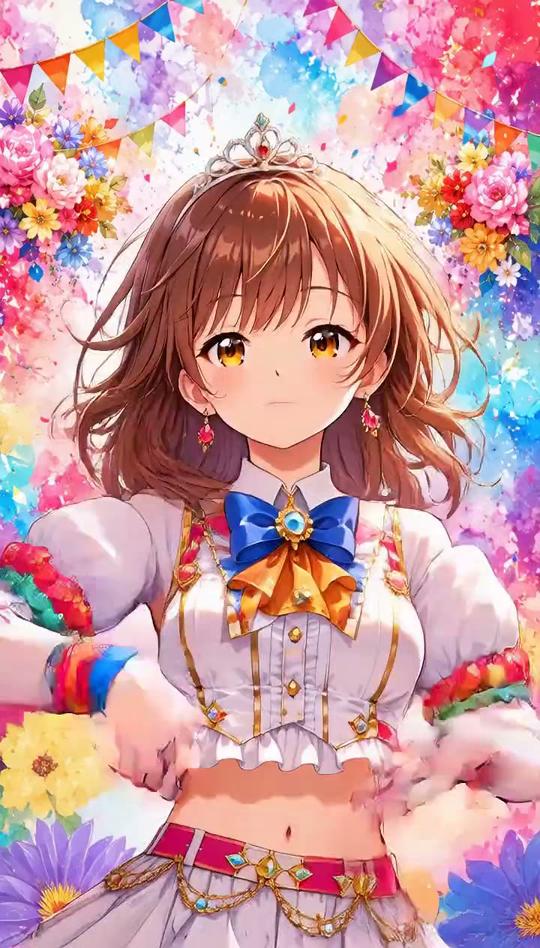
Can I Ride Dance AI Video Generator
Can I Ride dance AI puts you in the viral TikTok dance from one photo, song included. Add a friend's photo to dance as a duo, right where your photo was taken.

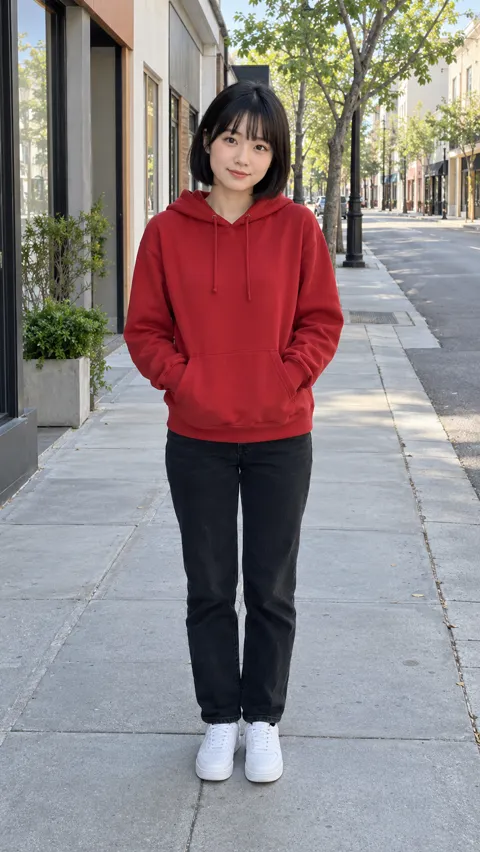
An example run — yours will feature your own photo.
Sign in at generate time — your photo stays right here.
How it works
- 1.Pick an effect — Browse the gallery and choose the effect you love.
- 2.Upload one photo — Follow the photo hint — that is all the input needed.
- 3.Get your video — When it’s done, download it or share it.
Real results
Can I Ride dance videos, and the photos behind them
Each video came from the photos next to it: the first from two photos, the second from one. Turn the sound on.
Photo 1 Photo 2 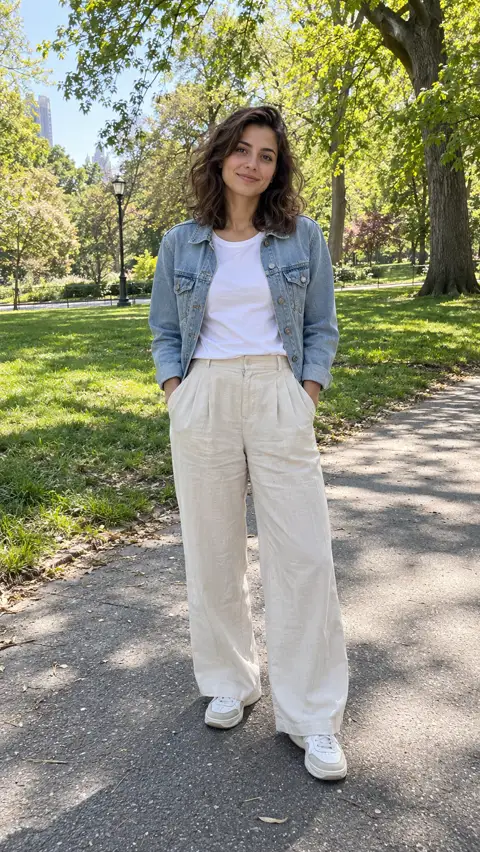
Photo 1
The short version
The Can I Ride dance, without the practice
The Can I Ride dance is the TikTok routine to “Can I Ride” by SIDEPIECE and 95 South: hands at the chest, claps, arms swung out to the sides, a wave, and arms crossed to finish, all in about ten seconds. Most people film it with a friend, side by side and in sync.
Here you skip the practice. Upload one photo and you dance the whole routine yourself, or add a friend’s photo and the two of you dance it together. You get a 10-second vertical video with the song on it, set in the place your first photo shows. There is no prompt to write and nothing to edit.
Ideas
Who to make it with
Just you
One photo and you dance the routine solo, in the middle of the frame, wherever the photo was taken.
You and your best friend
Add their photo and you dance it side by side, the way the trend is usually filmed. Ask them first.
Your partner
Two photos, one dance: a short video to send each other or post together.
A sibling or a parent
The moves are easy, mostly hands and claps, so anyone can dance it with you. Use adults’ photos only, with their yes.
Before you upload
Pick a photo worth dancing in
Your first photo decides two things: who dances and where. A full-body photo in a place you like works best.
Photos of people
Works well
- One person, standing, head to toe
- The face clearly visible, no sunglasses
- A background you would like to dance in
- A photo of you, or of someone who said yes
Avoid
- Group photos (use one photo per person)
- Close-up selfies that cut off the body
- Photos of celebrities, public figures or children
- Heavily filtered or cartoon images
JPG, PNG or WebP, up to 20 MB. The second photo, if you add one, follows the same rules; only its person is used, not its background.
What you get
Can I Ride dance AI on Fabbo
Solo or as a duo
One photo dances it alone in the middle of the frame; two photos dance it side by side, first photo on the left.
The song, on the beat
Every video has “Can I Ride” on it from the first frame, and the moves follow the original routine beat for beat.
Your place, your clothes
The video is set where your first photo was taken, and each person dances in the clothes from their photo.
480p or 720p, per video
Pick the resolution before you generate: 46 credits at 480p, 92 at 720p. One photo or two costs the same.
A failed render costs nothing
If a video fails, or the song cannot be added to it, its credits go back to your balance automatically.
Download it, no watermark
Every video downloads as a 10-second vertical MP4 with the song, ready for TikTok, Reels and Shorts. Fabbo adds no watermark.
Where the dance comes from
The Can I Ride song and dance, in plain facts
“Can I Ride” is a house track by SIDEPIECE featuring 95 South, the Miami bass group behind the 1993 hit “Whoot, There It Is”. Its hook, a voice asking “can I ride”, is the sound every dance video uses.
The dance itself is a short routine for two people standing side by side, facing the phone and moving in sync. Solo takes, sibling takes and family takes followed, and so did AI versions like the ones on this page.
SIDEPIECE – Can I Ride ft. 95 South (Official Video)
Official video from SIDEPIECE’s channel, played from YouTube. Visit the SIDEPIECE channel
One photo to dance, two to dance together
Upload yourself, add a friend if you like, and get the Can I Ride dance with the song.
Fabbo is not affiliated with, endorsed by or sponsored by SIDEPIECE, 95 South or the rights holders of “Can I Ride”. Every video made here is AI-generated.