I Love The Smiths AI Video Generator
I Love The Smiths AI turns one or two photos into the viral elevator scene. One slips off the headphones, the other says the line, with the original sound.
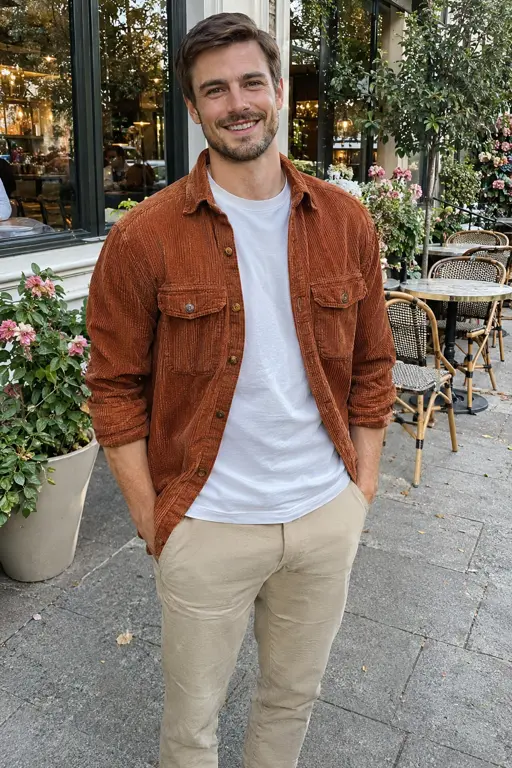
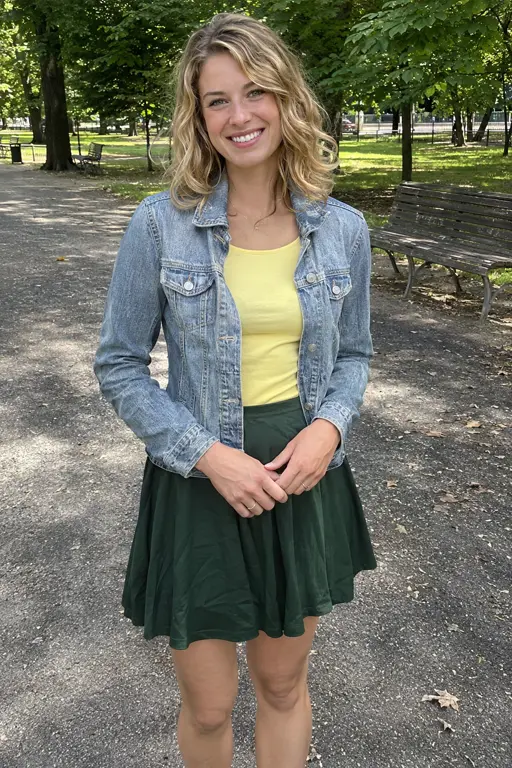
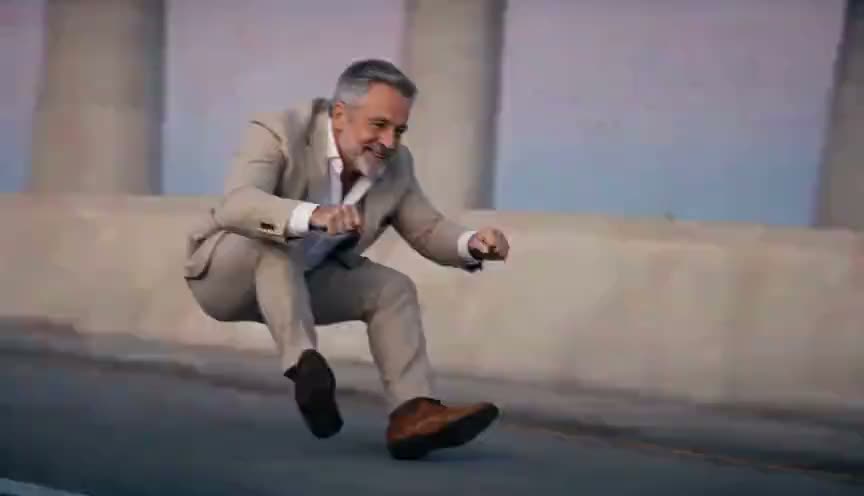
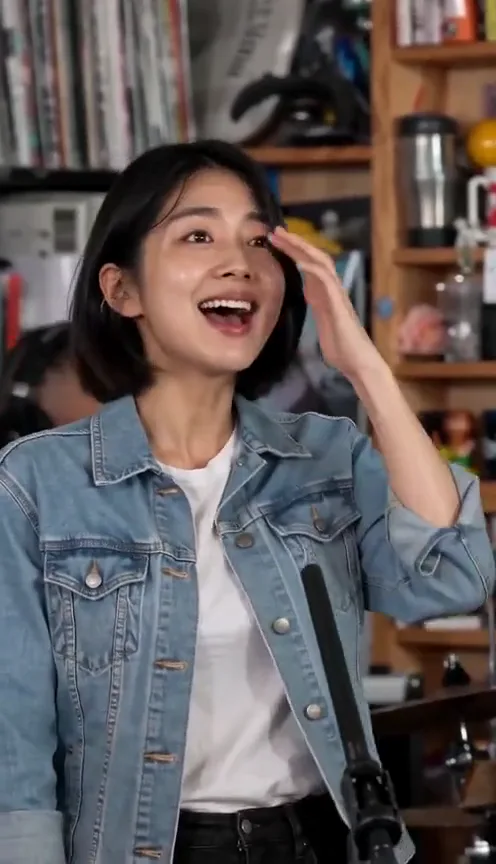
An example run — yours will feature your own photo.
Add one photo or both. A box you leave empty is played by our AI performer.
Sign in at generate time — your photo stays right here.
How it works
- 1.Pick an effect — Browse the gallery and choose the effect you love.
- 2.Upload one photo — Follow the photo hint — that is all the input needed.
- 3.Get your video — When it’s done, download it or share it.
Real results
I Love The Smiths videos, and the photos behind them
Each video started from the two photos beside it. Turn the sound on: every video has the original sound.
Left Right 
Left 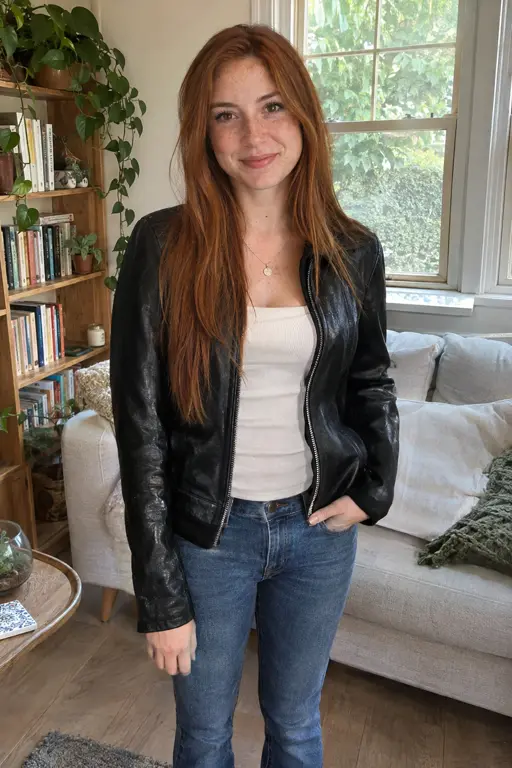
Right
The short version
The elevator scene, with you in it
Two people stand side by side in an elevator. One has big headphones on and is miles away. The other turns and says “I love The Smiths.” The one in headphones looks puzzled, pulls them off, hears it again, and slowly breaks into a smile.
I Love The Smiths AI puts you and someone else in that elevator. Upload a photo for the left, the right or both, and you get a 14-second widescreen video with the original sound. There is no prompt to write and nothing to edit.
Ideas
Who takes off the headphones, and who says the line
You and your partner
Your photo on one side, theirs on the other. A quick one to send them, or to post on an anniversary.
You and a friend
Put your friend on the left and let them be the one who has no idea what is going on. Ask them first.
Just you
Fill one box and leave the other. An empty left side is played by our AI man with short sandy-blond hair, an empty right side by our AI woman with long red hair.
Swap the sides
Left takes off the headphones, right says the line. Swap the photos to swap the parts.
Before you upload
Photos that put the right person in the elevator
The left photo is the one in headphones, the right photo speaks first. The elevator is always the same, so the background of your photos does not matter.
Photos of people
Works well
- One person in each photo
- The face clearly visible, no sunglasses
- Clothes you want to see in the video
- A photo of you, or of an adult who said yes
Avoid
- Group photos (use one photo per person)
- Faces turned away or covered
- Photos of celebrities, public figures or children
- Heavily filtered or cartoon images
JPG, PNG or WebP, up to 20 MB. Only the person is used, not the background.
What you get
I Love The Smiths AI on Fabbo
The whole scene in one take
The headphones, the line, the puzzled look, the second try and the slow smile, in one continuous shot.
The original sound
The sound is already on the video when it finishes. There is nothing to add in an editor.
One photo or two
Fill both boxes to cast both people, or fill one and our AI man or AI woman takes the other side.
Your face, your clothes
Each person looks like their photo and wears the clothes from it, in the same elevator every time.
480p or 720p, per video
Pick the resolution before you generate: 68 credits at 480p, 135 at 720p. One photo or two costs the same.
Download it, no watermark
Every video downloads as a 14-second widescreen MP4 with the sound. A failed render gives its credits back.
Where it comes from
The “I love The Smiths” scene, in plain facts
The line comes from the 2009 film (500) Days of Summer. Tom is on his way to work with his headphones on when Summer leans over in the elevator and tells him she loves The Smiths. He has to pull off the headphones to hear it, so she says it again.
The scene keeps coming back on TikTok and Instagram Reels, where people act out the line themselves. Searchlight Pictures has posted the clip on its own channels too.
I LOVE THE SMITHS, (500) Days of Summer (2009)
The clip by Searchlight Pictures, played from YouTube. Watch it on YouTube
Step into the elevator
Upload one photo or two, and get the “I love The Smiths” scene with the original sound.
Fabbo is not affiliated with, endorsed by or sponsored by Searchlight Pictures, the makers of (500) Days of Summer, The Smiths, YouTube or TikTok. Every video made here is AI-generated.