Talk to Me Doja AI Video Generator
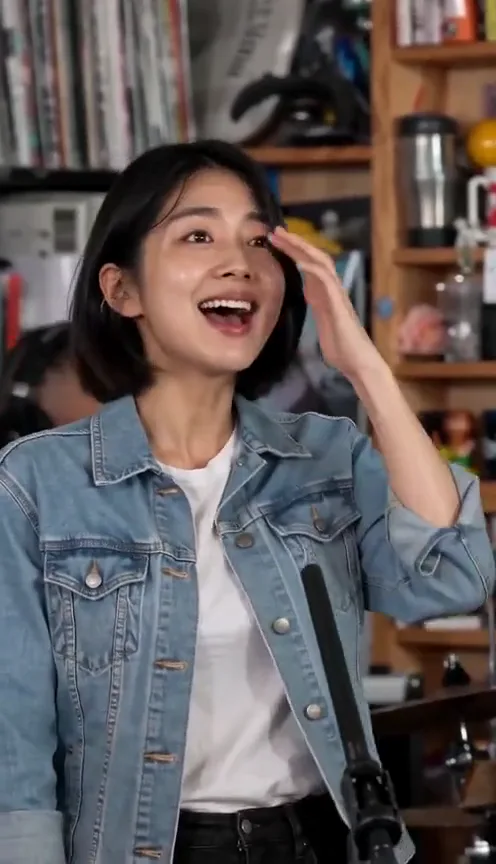
Talk to Me Doja AI turns one photo of you, head to thighs, into the viral meme. You sway to the song, then cup your cheeks and laugh as the anime clip pops up.
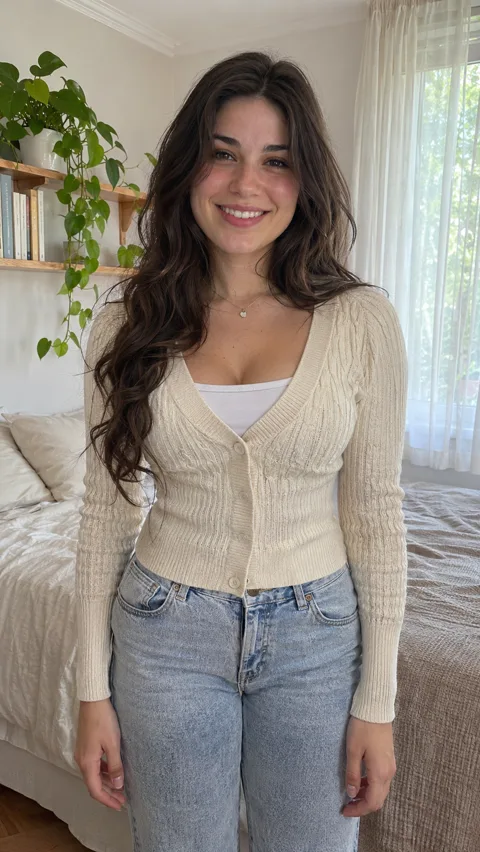
An example run — yours will feature your own photo.
Sign in at generate time — your photo stays right here.
How it works
- 1.Pick an effect — Browse the gallery and choose the effect you love.
- 2.Upload one photo — Follow the photo hint — that is all the input needed.
- 3.Get your video — When it’s done, download it without a watermark, or share it.
Real results
A Talk to Me Doja video, and the photo behind it
This video came from the one photo next to it: same face, same cardigan, same bedroom. Turn the sound on.
Photo
The short version
The Talk to Me Doja meme, starring you
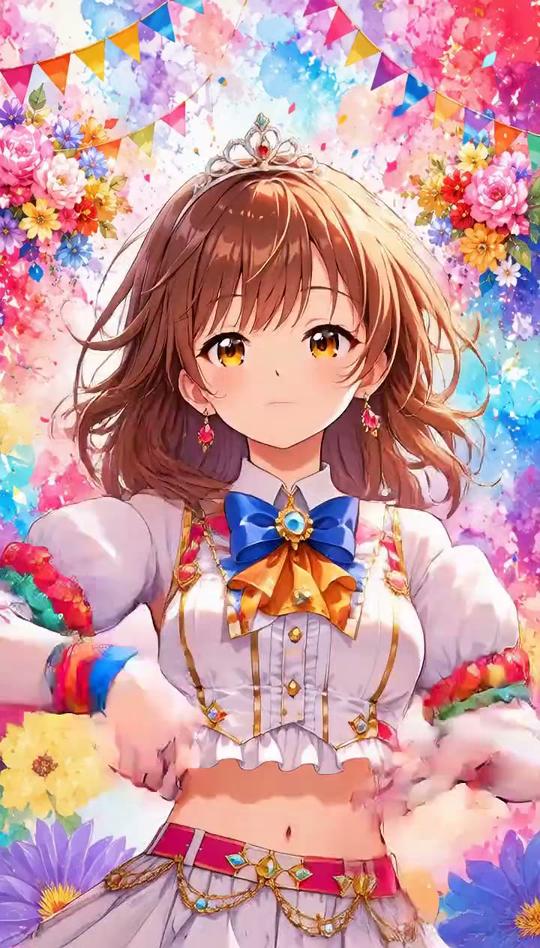
Talk to Me Doja is the meme where people copy a shy anime girl’s dance to Doja Cat’s “Like That”: a lean into the camera, a sway on the beat, then hands on the cheeks and a big laugh, with the anime clip playing next to them.
Here you only need one photo. Upload a photo of yourself from the head to the thighs and you do the whole 14-second take with the song on it, in the clothes from your photo and in the place it was taken. The anime clip pops up in the bottom-left corner as you cup your cheeks, the way the meme looks.
Ideas
Who to put in the meme
Yourself
Join the trend without filming twenty takes in your room to get the timing right.
Your friend
The friend who would never do this on camera, laughing into their hands. Only use their photo if they say yes.
You in a fun spot
The video is set where your photo was taken, so a café, a concert queue or your desk works as well as a bedroom.
You in a cosplay
The clothes come from the photo, so dress up as Urara or any character and the outfit sways along.
Before you upload
Pick a photo that frames you like the meme
The video keeps your photo’s place and your clothes. A photo from the head to the thighs looks most like the meme.
Photos of people
Works well
- One person, standing, head to thighs
- Face and both hands clearly visible
- A background you would like to be filmed in
- A photo of you, or of someone who said yes
Avoid
- Group photos
- Close-up selfies that cut off the body
- Photos of celebrities, public figures or children
- Heavily filtered or cartoon images
JPG, PNG or WebP, up to 20 MB.
What you get
Talk to Me Doja AI on Fabbo
The whole 14-second take
The lean in, the sway and the cheek-cupping laugh, in one continuous shot, each move where it is in the meme.
The anime clip, built in
The anime clip plays in the bottom-left corner from about 6 seconds, as you cup your cheeks, so there is nothing to edit in afterwards.
The song, on the beat
Every video has the Like That sound from the meme on it from the first frame.
Your place, your clothes
You move where your photo was taken, in what you wore in it, with your face from start to finish.
720p or 1080p, per video
Pick the resolution before you generate: 112 credits at 720p, 168 at 1080p.
A failed render costs nothing
If a video fails, its credits go back to your balance automatically.
Download it, no watermark
Every video downloads as a 14-second MP4 with the song, ready for TikTok, Reels and Shorts. Fabbo adds no watermark.
Where the meme comes from
The Talk to Me Doja meme, in plain facts
The meme started on TikTok on November 7, 2026. The first video put a sped-up “Like That” by Doja Cat over a scene from the first episode of the anime Yamada-kun and the Seven Witches, where Urara Shiraishi does a shy little dance with her hands under her chin. Its caption read “Speak to me Doja”, and people now call it Talk to Me Doja.
Within days people on TikTok and Instagram Reels were copying Urara’s dance, often with the anime clip next to them. “Like That” is from Doja Cat’s 2019 album Hot Pink and features Gucci Mane.
Doja Cat - Like That (Official Audio) ft. Gucci Mane
The official audio from Doja Cat’s channel, played from YouTube. Visit Doja Cat on YouTube
One photo, the whole Talk to Me Doja meme
Upload a photo from the head to the thighs and get 14 seconds of the meme with the song and the anime clip, in your own clothes and your own place.
Fabbo is not affiliated with, endorsed by or sponsored by Doja Cat, the rights holders of “Like That” or of Yamada-kun and the Seven Witches. Every video made here is AI-generated.