Bicep Heart AI Video Generator
Bicep Heart AI turns one photo into the viral trend video with sound. Flex one arm, bring your other hand up to meet it and hold the heart where you stood.
An example run — yours will feature your own photo.
Sign in at generate time — your photo stays right here.
How it works
- 1.Pick an effect — Browse the gallery and choose the effect you love.
- 2.Upload one photo — Follow the photo hint — that is all the input needed.
- 3.Get your video — When it’s done, download it or share it.
Real results
Bicep heart videos, and the photos behind them
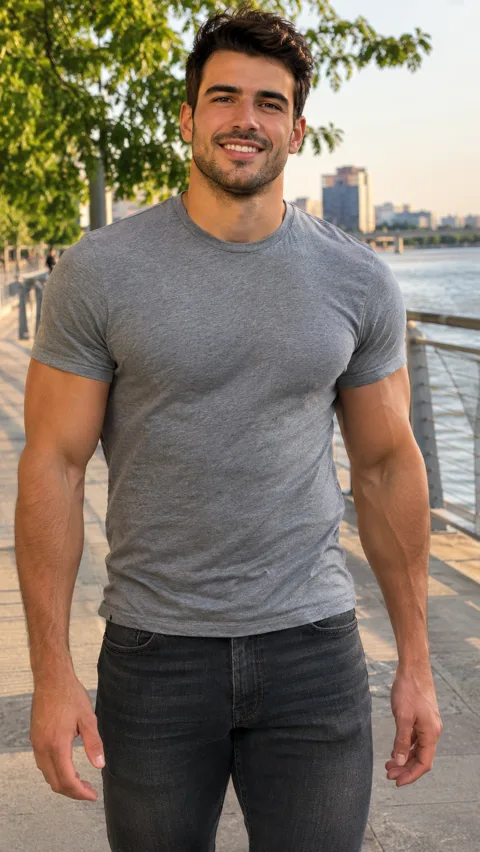
Each video came from the one photo next to it. Watch the other hand close the heart, and notice the street and the river are the ones from the photos.
Photo 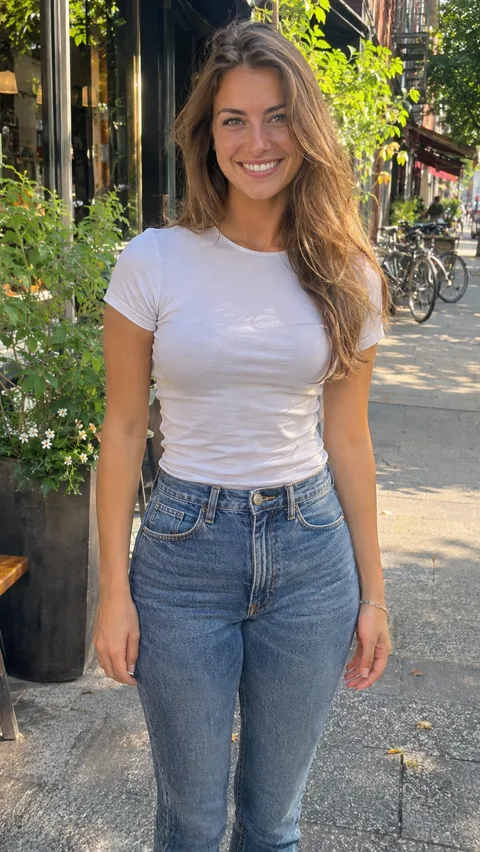
Photo
The short version
The bicep heart pose, made from your photo
The bicep heart is the pose all over TikTok and Reels right now: you flex one arm with your hand up by your head, then bring your other hand across your chest until your fingertips meet, so your arm and your hand close into a heart. Then you hold it and smile at the camera.
Here you skip the mirror practice. Upload one photo and you get the whole move in a 7-second vertical video: your face, your hair, the clothes you wore in the photo and the place you took it, with the sound already on it. There is no prompt to write and nothing to edit.
Ideas
Ideas for your bicep heart video
Yourself
The obvious one: flex for your followers, or send it straight to the person you like.
A friend who skips the gym
The video gives them arms to show off. Only use their photo if they say yes.
You at the gym
The background comes from your photo, so a gym mirror shot stays a gym video.
You somewhere nice
A beach, a rooftop or your street: wherever the photo was taken is where you make the heart.
Before you upload
Pick a photo that shows your arms
Your photo decides who flexes, what they wear and where they stand. The heart happens up by your shoulder, so a sharp, front-facing photo with both arms in view pays off.
Photos of people
Works well
- One person, standing, facing the camera
- Both arms in view, down to the hands
- Short sleeves, so the flex shows
- A photo of you, or of someone who said yes
Avoid
- Group photos
- Close-up selfies that cut off the arms
- Photos of celebrities, public figures or children
- Heavily filtered or cartoon images
JPG, PNG or WebP, up to 20 MB. Any background works: the place you took it becomes the scene of your video.
What you get
Bicep Heart AI on Fabbo
The whole move, one take
The flex, the hand crossing your chest and the heart closing, in one continuous shot with the camera holding still.
Your face, your clothes, your place
You stay you, in what you wore and where you stood. Nothing gets moved to a studio.
Arms ready for the heart
No gym needed. The video gives you toned arms with a visible bicep, so the heart reads even if your arms are slim in the photo.
Sound already on it
Every video comes with the sound mixed in, the same on every video, so you can post it as it is.
480p or 720p, per video
Pick the resolution before you generate: 50 credits at 480p, 100 at 720p.
Download it, no watermark
Every video downloads as a 7-second vertical MP4 with sound, ready for TikTok, Reels and Shorts. Fabbo adds no watermark, and a failed render gives its credits back.
Where the trend comes from
The bicep heart trend, in plain facts
The idea started as a joke on X: a flexed bicep already looks like half a heart. It moved to TikTok in late October 2026, and Know Your Meme lists a post by @kavithageorge from October 31 as the earliest one it tracks, with the line “have you ever heard of a bicep heart…” on screen. Her post uses a sound credited to Trendformusic.
Within days it was on Instagram Reels too. Gym regulars posted it first, then came couples who each make half of the heart and owners who pose their pets the same way.
It spread because it mixes a tough pose with a soft one, and anyone can copy it: the hand does most of the work, so the heart shows up on small arms too.
Have you ever heard of a bicep heart
The video by @kavithageorge, played from TikTok. Watch it on TikTok
One photo, one flex, one heart
Upload a photo of yourself and get the whole bicep heart in your own clothes, right where you took it, with the sound on.
Fabbo is not affiliated with, endorsed by or sponsored by TikTok, @kavithageorge, Trendformusic or the rights holders of any sound used in the trend. Every video made here is AI-generated.